

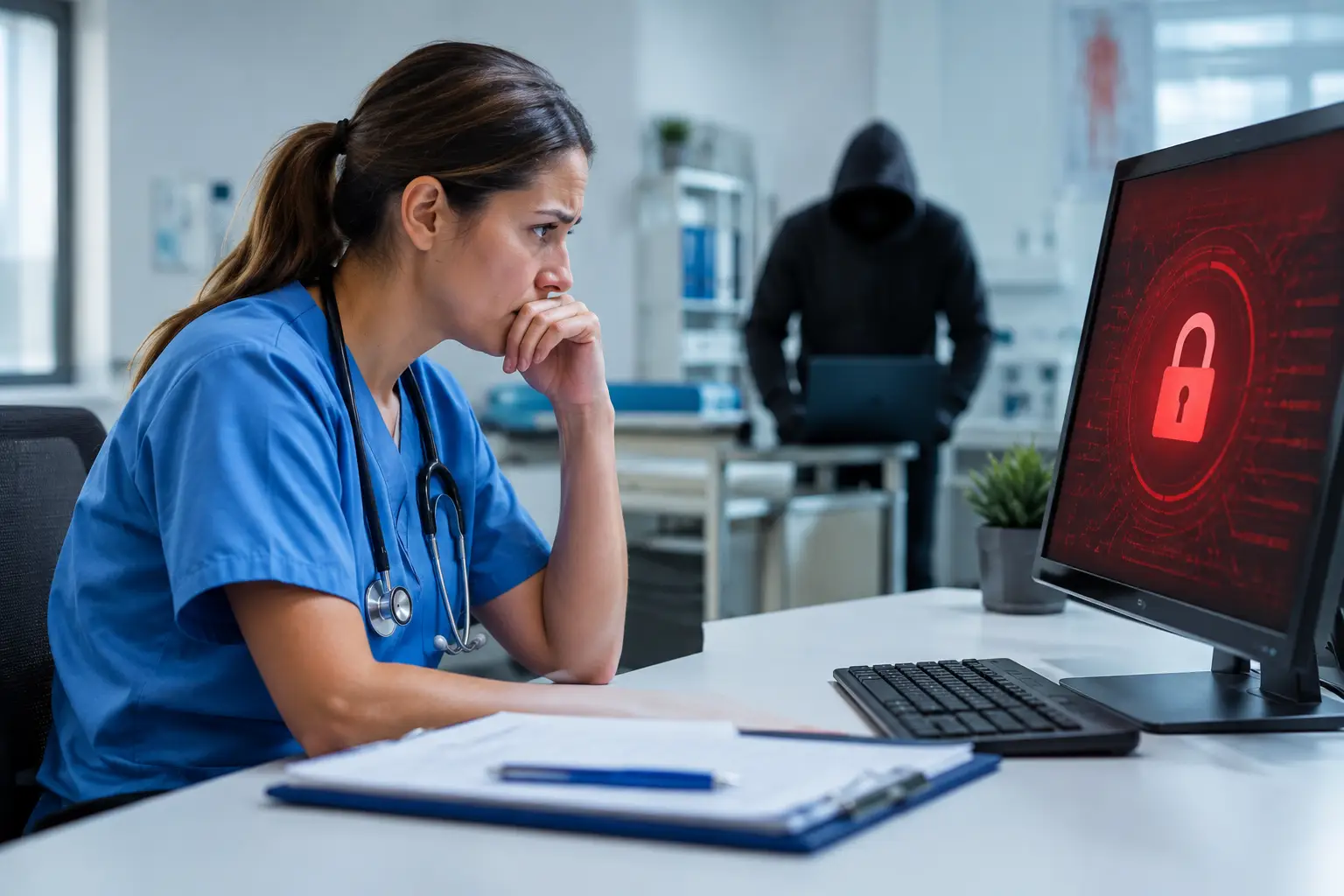
Healthcare Endpoint Security Example: Clinic Under Attack
A medical practice opens at 8:00 a.m. By 8:12, the front desk cannot access the scheduling system, exam room workstations display ransom notes, and staff begin documenting visits on paper. This healthcare endpoint security example shows why cybersecurity in a clinical setting is not just an IT concern. It is an operational continuity issue that can affect patient care, revenue, privacy, and trust within minutes.
Endpoints are the devices people use to do their jobs: laptops, desktops, tablets, mobile devices, virtual workstations, and sometimes connected clinical systems. Each one can become an entry point for ransomware, credential theft, data exposure, or unauthorized access. For a small or midsize healthcare organization, the goal is not to add security tools for their own sake. The goal is to reduce the chance that one compromised device interrupts care across the organization.
A Healthcare Endpoint Security Example in Practice
Consider a 35-person specialty clinic with one main office and several employees who work remotely on billing, referrals, and administrative tasks. The practice uses Microsoft 365 for email, a cloud-based electronic health record platform, shared file storage, and a few local systems for scanning and printing. Like many growing practices, it has added devices over time without a consistent security standard.
A billing coordinator receives an email that appears to come from a known insurance carrier. The sender asks her to review an updated reimbursement document. She clicks the attachment, signs in to what looks like a familiar Microsoft 365 page, and unknowingly gives away her credentials.
The attacker logs into the account, creates an email forwarding rule to hide replies, and begins sending similar messages internally. A few hours later, malware reaches an unpatched workstation used by a staff member with access to shared folders. It attempts to encrypt local files and spread across available network resources.
This is where endpoint security determines whether the incident becomes a full operational outage or a contained event.
In a weak environment, the practice may not know the compromise occurred until files are encrypted. Staff lose access to documents, appointments must be rescheduled, and the organization faces a difficult decision about recovery, notification, and potential HIPAA exposure.
In a managed environment, several security layers can interrupt the attack much earlier. Email protection may flag the message. Multi-factor authentication can prevent the stolen password from being enough to enter the account. Endpoint detection and response can identify suspicious behavior on the workstation, isolate it from the network, and alert the IT team before encryption spreads. Verified backups give the clinic a clean recovery option if files are affected.
The difference is not one product. It is a disciplined system of prevention, visibility, response, and recovery.
What Protected the Clinic From a Larger Breach
The strongest endpoint security programs use multiple controls because every control has limits. A user can click a convincing message. A security update can be delayed. A new vulnerability can appear before a patch is available. Layered protection makes a single mistake less likely to become a business-wide event.
Managed endpoint detection and response
Endpoint detection and response, often called EDR, continuously monitors device activity for behavior associated with threats. It can identify unusual processes, suspicious file encryption, credential dumping attempts, unauthorized scripts, or connections to known malicious infrastructure.
In the clinic scenario, EDR detects that the billing workstation is launching an unfamiliar process and attempting to modify a high volume of files. The system automatically isolates the device while keeping the security team informed. Isolation is a trade-off: the employee temporarily loses network access. But that short interruption is far less costly than allowing ransomware to reach shared records or other workstations.
A managed service adds real value here. Alerts need investigation, context, and fast decisions. Small healthcare organizations rarely have an internal security operations center watching endpoint alerts around the clock.
Identity protection and multi-factor authentication
Most attacks begin with identity, not sophisticated hacking. Stolen passwords from phishing, password reuse, or a previous breach can provide an attacker with legitimate access to email and cloud applications.
Multi-factor authentication reduces this risk by requiring an additional verification step. It should be enforced for Microsoft 365, remote access, administrative accounts, and any system that contains or provides access to protected health information. Conditional access policies can add another layer by blocking logins from unfamiliar locations, risky devices, or impossible travel patterns.
Multi-factor authentication is highly effective, but it must be configured carefully. A rushed rollout without user communication can create avoidable helpdesk requests. The right approach balances strict controls for privileged accounts with a practical sign-in process for clinical and administrative staff.
Patch management and application control
Unpatched operating systems, browsers, and business applications leave known weaknesses open to attack. Consistent patch management closes those gaps before they are exploited.
For healthcare organizations, patching requires planning. Updates cannot be applied during a busy clinic schedule if they may restart a workstation used for patient intake or disrupt a specialized application. A managed IT provider can establish maintenance windows, test higher-risk updates, verify installation, and report on devices that remain noncompliant.
Application control also matters. If staff devices can run any downloaded file or unapproved remote access tool, attackers have more options. Limiting software execution to approved applications reduces exposure without preventing staff from doing their work.
Encryption, least privilege, and device standards
A lost laptop can become a reportable incident when it contains patient information and lacks encryption. Full-disk encryption helps ensure that data remains unreadable if a device is lost or stolen. Centralized device management confirms encryption is active and allows an authorized team to lock or wipe a device when necessary.
Least privilege limits what users and systems can access. The billing coordinator may need access to payment workflows but not every shared folder, server setting, or administrative account. Restricting permissions narrows the potential impact of compromised credentials.
Standardized device configurations make these protections easier to maintain. When every endpoint has the same baseline – supported operating system, encryption, EDR, patching, screen-lock policies, and approved software – the business has fewer unknowns during an incident.
Why Backups Still Matter
Endpoint protection can stop many attacks, but no security program can promise that every attack will be blocked. That is why tested backups are part of endpoint security planning, not a separate afterthought.
In this example, the clinic keeps encrypted, monitored backups of critical files and configurations. Copies are protected from ordinary user access and tested regularly for restoration. If a device is encrypted before it can be isolated, the organization can rebuild it from a known clean state rather than negotiating with criminals or accepting permanent data loss.
Backups must be designed around recovery objectives. A clinic may be able to tolerate several hours of disruption to a noncritical administrative folder, while access to patient schedules, records, communications, and billing data may require faster recovery. Those decisions should be made before an incident, not while staff are waiting to see patients.
Turning Endpoint Security Into an Operating Standard
The practical question for business leaders is not, “Do we have antivirus?” It is, “Can we see every device, enforce security standards, and respond quickly when something suspicious happens?”
Start with an accurate inventory. Include office workstations, remote laptops, tablets, servers, shared devices, and any endpoint that connects to business systems. Identify who owns each device, what data it can access, whether it is encrypted, and whether it receives updates and security monitoring.
Next, establish a security baseline. Require multi-factor authentication, managed EDR, supported software, encryption, patching, restricted local administrator access, and reliable backups. Then define an incident response process that specifies who receives alerts, who can isolate a device, how staff report suspicious activity, and how the practice keeps operating during a technology disruption.
For healthcare organizations in Deerfield Beach and throughout South Florida, Krove can help turn those requirements into a managed, measurable program. The objective is straightforward: identify weaknesses early, contain threats quickly, and keep your team focused on patients instead of preventable technology emergencies.
A secure endpoint is not merely a protected laptop. It is one less path between a routine employee task and a day of canceled appointments, inaccessible records, and damaged patient confidence.