

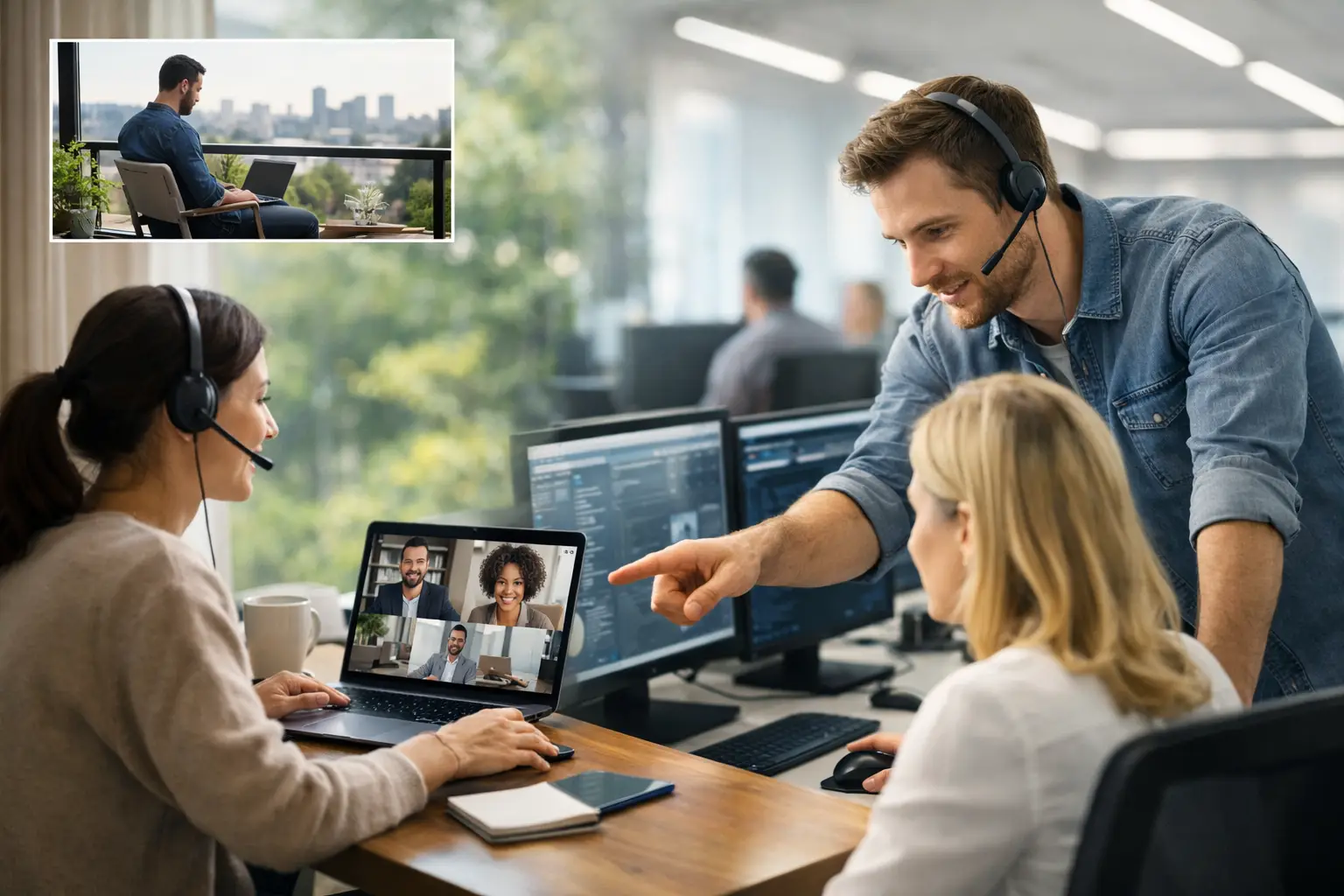
IT Support for Hybrid Workforce That Keeps Work Moving
A hybrid employee cannot wait until the next business day because a VPN login fails, Microsoft 365 stops syncing, or a home router blocks a critical call. For small and midsize businesses, IT support for hybrid workforce is no longer a convenience. It is the operating layer that keeps people productive, data protected, and customers served whether staff work from the office, home, a client site, or the road.
The challenge is not simply giving employees laptops and collaboration apps. Hybrid work expands the number of devices, networks, identities, and locations that must be managed. Without clear ownership and proactive oversight, small technical issues become missed deadlines, security exposure, and expensive downtime.
Why Hybrid Work Creates Different IT Risks
In a traditional office, most users connect through the same network, use company-managed equipment, and can ask for help in person. A hybrid workforce changes that model. Each employee may use a different internet provider, personal peripherals, mobile device, and home network. The IT environment becomes more distributed, but the business is still responsible for its security and availability.
A slow connection at home may look like an application failure. A lost laptop may contain saved credentials. An employee using an unmanaged personal computer can introduce malware or expose sensitive files without realizing it. These issues are not always dramatic, but they create daily friction that pulls people away from revenue-producing work.
For organizations in healthcare, finance, legal services, logistics, and other compliance-sensitive industries, the stakes are higher. Access controls, device policies, backups, and audit records must follow employees beyond the office. A flexible work policy without the right technology controls can create gaps that are difficult to see until an incident occurs.
Support Must Reach Employees Where They Work
Hybrid employees need a reliable way to get help without traveling to the office or losing half a day to troubleshooting. Remote helpdesk support should resolve common problems quickly, including password resets, printer access, email configuration, software errors, shared-file permissions, and video meeting issues.
But speed alone is not enough. The support team also needs visibility into the device, user account, network status, and recent changes that may have caused the issue. That context reduces repeat tickets and prevents the frustrating cycle of temporary fixes.
Device Visibility Cannot Be Optional
A business cannot protect what it does not know exists. Every company-owned laptop, desktop, server, mobile device, and approved application should be documented and managed. This becomes especially important when employees are hired remotely, change roles, or leave the company.
A clear inventory helps answer practical questions: Is the device encrypted? Is it receiving security updates? Does the former employee still have access? Is the laptop old enough to affect performance? Are backups running as expected? These are operational questions, not just IT questions, because each one affects risk and productivity.
What Effective IT Support for Hybrid Workforce Includes
The right service model combines responsive support with prevention. Waiting for users to report problems leaves the business in a reactive position. Proactive management identifies warning signs before they become interruptions, such as a failing hard drive, missed backup, outdated endpoint protection, or unusually high network activity.
A Helpdesk That Resolves Problems, Not Just Tickets
Employees should have a consistent support channel with defined response expectations. A well-run helpdesk prioritizes issues based on business impact. A payroll system outage, suspected phishing attempt, or executive device failure needs immediate attention. A minor software question can be addressed without disrupting more urgent work.
The goal is not to close tickets quickly at any cost. It is to restore the employee’s ability to work safely and identify whether the issue points to a broader problem. If five users report the same file-syncing error, the answer is not five separate workarounds. The answer is finding and correcting the root cause.
Remote Monitoring and Management
Remote monitoring gives IT teams the ability to track the health of managed systems without waiting for an employee to notice a problem. This can include monitoring device performance, storage capacity, patch status, antivirus health, backup results, and critical service availability.
For hybrid teams, remote management also makes routine maintenance less disruptive. Updates can be scheduled, devices can be configured according to policy, and many issues can be corrected without an onsite visit. This matters for businesses with limited internal IT resources, because one technical employee should not have to spend every day responding to avoidable requests.
There is a trade-off to manage. Too many forced updates during working hours can frustrate employees, while delaying updates increases security risk. A strong IT partner balances both by setting maintenance windows, communicating clearly, and prioritizing urgent security patches when necessary.
Identity and Access Controls
Hybrid work makes identity the new security perimeter. Employees need access to email, cloud storage, business applications, and internal resources from multiple locations. That access must be convenient enough to support daily work and controlled enough to prevent unauthorized entry.
Multi-factor authentication, strong password policies, conditional access rules, and role-based permissions should be standard components of the environment. An accounting employee does not need the same level of access as a systems administrator. A departing employee should lose access promptly across every platform, not just email.
Microsoft 365 management is particularly important for many small and midsize organizations. Email, OneDrive, Teams, SharePoint, and identity services are deeply connected. A misconfigured account or overly broad sharing permission can expose confidential information quickly. Ongoing administration helps keep those settings aligned with the way the business actually operates.
Endpoint Protection and Recovery Planning
Employees may be working from trusted homes, but their devices still face phishing, ransomware, malicious downloads, and credential theft. Endpoint protection should include managed antivirus or endpoint detection, patching, encryption, and policies that limit unnecessary local administrator access.
Backup and recovery planning are equally important. Cloud applications have availability features, but those do not always protect against accidental deletion, compromised accounts, or retention gaps. Businesses should know what data is backed up, how often it is tested, how quickly it can be restored, and who can authorize recovery.
A recovery plan should account for more than servers. It should cover cloud data, employee devices, line-of-business applications, network configurations, and communications systems. The best plan depends on the cost of downtime. A company that can tolerate a few hours without a noncritical file system has different needs than a medical practice or logistics firm that depends on constant access.
Build a Hybrid Support Model Around the Business
Technology should support the work model, not force employees into unreliable workarounds. Start by identifying which roles are remote, which applications are essential, where sensitive data is stored, and what level of downtime the business can absorb. These answers shape the right combination of helpdesk coverage, device management, cloud services, security tools, and onsite support.
A practical onboarding and offboarding process is also essential. New hires should receive configured equipment, appropriate accounts, documented instructions, and security awareness guidance before their first day. When someone leaves, the business should promptly disable access, recover equipment, preserve necessary data, and review shared accounts or vendor credentials.
For companies in Deerfield Beach, Fort Lauderdale, Coral Springs, and nearby South Florida communities, a hybrid support partner should be able to provide remote resolution for everyday issues while remaining available for hardware deployments, network work, and urgent onsite needs. Remote support handles much of the day-to-day workload, but some problems still require a technician in the room.
Measure What Is Affecting Productivity
Many businesses know they have IT problems, but they do not have the reporting to show where time and money are being lost. Regular reviews should examine recurring helpdesk issues, device age, patch compliance, backup success, security alerts, network performance, and unresolved risks.
This visibility turns IT from a cost that appears only when something breaks into a managed business function. It also supports smarter planning. If laptops are approaching end of life, replacements can be budgeted instead of rushed. If employees repeatedly struggle with a particular application, training or configuration changes may solve the problem faster than adding another tool.
Krove helps businesses take this proactive approach by combining daily technical support, cybersecurity controls, remote management, and strategic planning in a clear service model. The objective is straightforward: reduce interruptions before they affect employees and customers.
Hybrid work succeeds when technology is predictable. Give employees secure access, give leaders visibility into risk, and give the business a support plan that responds quickly while preventing the next disruption from becoming a larger problem.