

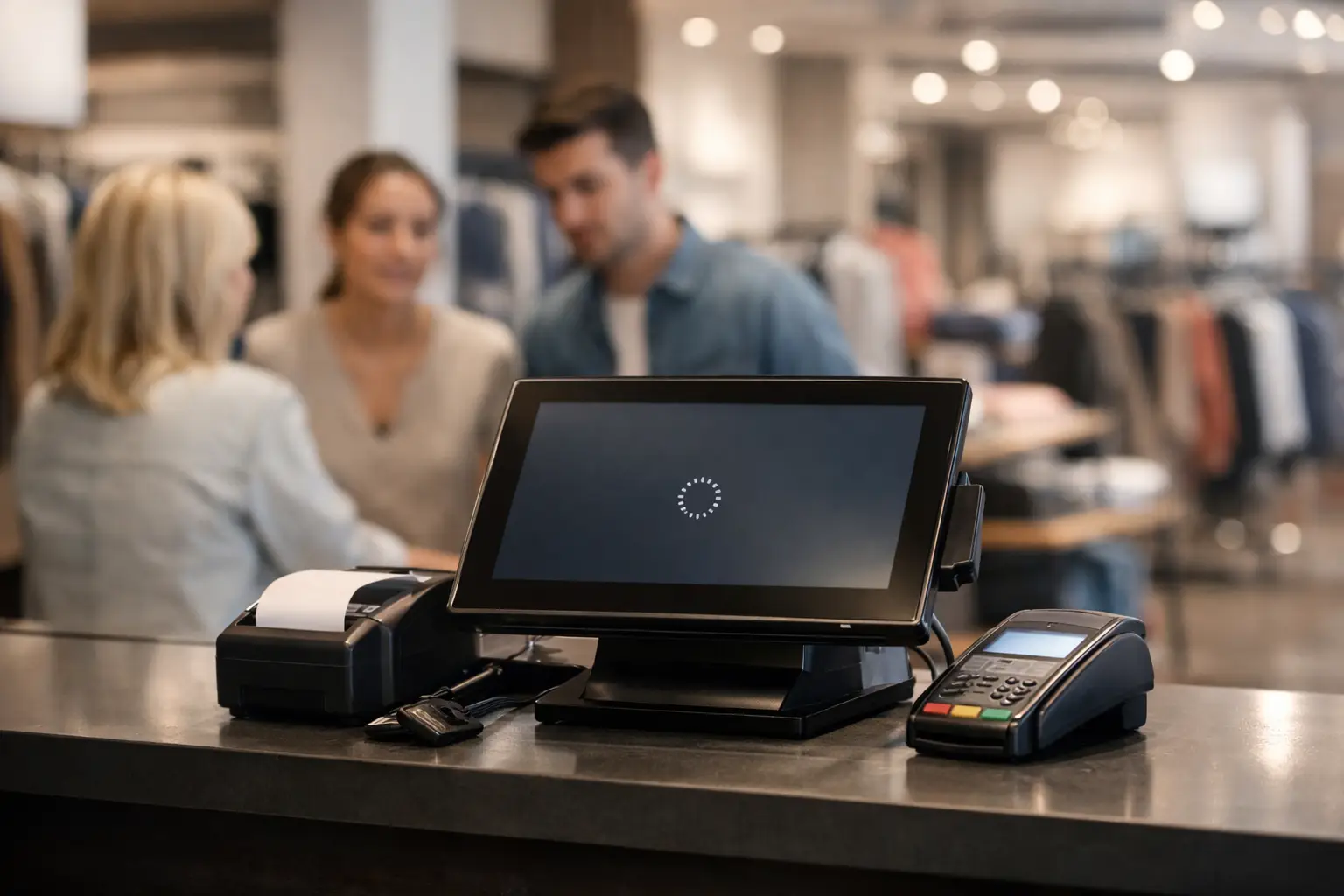
Retail POS Outage Recovery That Protects Sales
A checkout line does not wait for a server reboot. When registers freeze, card readers lose connection, or the POS application cannot reach the cloud, every minute affects revenue, customer trust, employee confidence, and inventory accuracy. Effective retail POS outage recovery is not simply getting a terminal back online. It is a controlled process for keeping sales moving, protecting payment data, restoring accurate records, and preventing the next interruption.
For retailers, the pressure is immediate. A five-minute disruption during a quiet weekday may be manageable. The same outage during a weekend promotion, holiday rush, or after a social media campaign can create abandoned carts, frustrated shoppers, and staff making costly workarounds. The right response plan gives managers clear authority and gives employees practical instructions before the problem becomes a business-wide disruption.
What Causes a POS Outage?
A POS failure rarely has one universal cause. The register may be working while the internet connection is down. The internet may be available while a payment processor, cloud POS provider, Wi-Fi access point, firewall rule, or local server has failed. An expired certificate, a failed software update, a power event, ransomware, or an account permission change can create the same visible symptom at the counter: the sale cannot be completed.
That is why guessing is expensive. Restarting every device may occasionally restore service, but it can also erase useful evidence, interrupt transactions in progress, or delay the correct fix. A disciplined recovery process starts by identifying the scope. Is one register affected, one store, all locations, payment acceptance only, or every POS function including inventory and receipt printing?
The answer determines who needs to act. A single terminal issue may require a cable, reader, or device replacement. A store-wide outage may point to the network, ISP, power, or firewall. A multi-location failure may require coordination with the POS vendor, payment processor, and IT support team.
Retail POS Outage Recovery Starts at the Store
The first fifteen minutes should be structured, not improvised. Store leadership should confirm the time the issue began, the systems affected, error messages displayed, and any recent changes such as an update, equipment move, power interruption, or network work. That information helps technical support isolate the cause without asking employees to repeat the same troubleshooting steps.
Employees need a simple operating procedure that fits a busy sales floor. They should know who contacts support, where to find the escalation number, whether offline sales are permitted, and which payment methods can be accepted safely. They should also know what not to do: do not share administrative passwords, reconnect unknown devices, bypass security tools, or record full card details on paper.
If your POS platform supports offline mode, test it before an outage occurs. Offline mode can protect revenue when the internet connection drops, but it has trade-offs. Transactions may be subject to approval limits, inventory counts may not update immediately, and card authorizations may fail when they are submitted later. Managers need clear rules for high-dollar purchases, returns, discounts, and customer identification while the store is operating offline.
When offline mode is not available, a retailer may need to move temporarily to cash-only sales, mobile hotspots, a backup terminal, or a manual order process. The best option depends on the business, payment rules, security requirements, and transaction volume. The goal is not to force every sale through any method available. It is to continue operating without creating a payment, compliance, or reconciliation problem that costs more than the outage.
Protect Payment Data While Restoring Service
A POS outage can become a security incident if employees are pressured to work around controls. This is especially true when staff write down card numbers, use unapproved personal devices, or connect registers to unsecured networks. Lost sales are painful. A payment data breach, chargeback dispute, or PCI compliance failure can be far more damaging.
Keep recovery actions within approved systems. Use documented backup connectivity, managed network equipment, authorized payment terminals, and the escalation process agreed upon with your POS provider and IT partner. If there is any sign of malware, unauthorized access, unusual pop-ups, encrypted files, or unexpected administrator changes, treat the event as a potential cybersecurity incident. Isolate affected equipment and preserve logs rather than repeatedly restarting devices.
A managed IT team can help separate a simple connectivity failure from a security event. Remote monitoring, endpoint protection, firewall logs, and centralized alerting provide the visibility that a store manager should not be expected to create during a rush.
Restore Operations in the Right Order
Once the cause is identified, recovery should follow business priorities. First, restore stable power and connectivity. Next, confirm the POS application, payment processing, receipt printers, scanners, and inventory connections are functioning as expected. Then validate a small number of test transactions using approved procedures before declaring the store fully operational.
Do not stop at the first successful card payment. Confirm that the transaction appears correctly in the POS system, payment portal, inventory records, and end-of-day reporting. A terminal can look functional while transactions are delayed, duplicated, or missing from the back office.
Reconciliation matters most after offline processing or manual sales. Compare transaction timestamps, receipts, cash totals, card batches, canceled orders, returns, and inventory adjustments. Assign one person to own this work and set a deadline. Leaving reconciliation for “later” creates accounting errors that are harder to untangle after several business days.
Communicate Clearly During the Disruption
Customers are often more patient than retailers expect when they receive a direct explanation. Staff can say that the store is experiencing a temporary payment or system issue and explain the available options. Avoid vague promises about when service will return unless technical support has confirmed a realistic estimate.
Internally, leadership should receive concise updates: what failed, what is still working, what workaround is active, who is engaged, and the next expected update time. Clear communication reduces duplicate calls, prevents conflicting instructions, and helps managers make decisions about staffing, promotions, and store hours.
Prevent the Next POS Failure
The strongest recovery plan is built before the next register freezes. Retailers should document their POS environment, including registers, payment terminals, routers, switches, internet circuits, cloud services, vendor contacts, and support agreements. A current asset list speeds triage and prevents downtime caused by uncertainty over who owns what.
Backup internet connectivity is often one of the most practical investments for a store with meaningful card volume. This might be a secondary ISP, managed cellular failover, or a tested wireless backup path. It is not a guarantee against every POS failure, but it removes one common single point of failure. The right design depends on store layout, coverage, transaction volume, and the capabilities of the POS platform.
Regular patching and monitoring are equally important. Software updates should be tested and scheduled, not applied blindly during peak sales periods. Network equipment needs monitoring for performance, outages, and suspicious activity. Data backups must be verified for recoverability, particularly when local servers, back-office applications, or inventory systems support the retail operation.
Krove helps businesses build these controls into daily IT management through proactive monitoring, secure network administration, backup planning, helpdesk support, and 24/7 emergency response. For retailers in South Florida, that means having a technical team ready to coordinate recovery across the store, POS vendor, connectivity provider, and payment systems when time matters.
Test the Plan Before a Busy Day Tests It for You
A written plan only works if employees can use it under pressure. Schedule short recovery exercises at least twice a year and after major POS, network, or store changes. Simulate an internet outage, a failed register, an unavailable payment processor, and a potential security event. Time the response, document gaps, and update the procedure.
The most valuable outcome is not a perfect test. It is discovering that the backup connection was never activated, the vendor contact list is outdated, the offline workflow is unclear, or nobody knows who can approve a temporary operating decision. Those are inexpensive lessons during a drill and costly ones during a Saturday rush.
Retail POS outages will happen. What separates a short interruption from a lost day of sales is preparation, disciplined recovery, and a support partner that can take control quickly. Build the plan while the registers are working, then give your team the confidence to keep serving customers when they are not.