

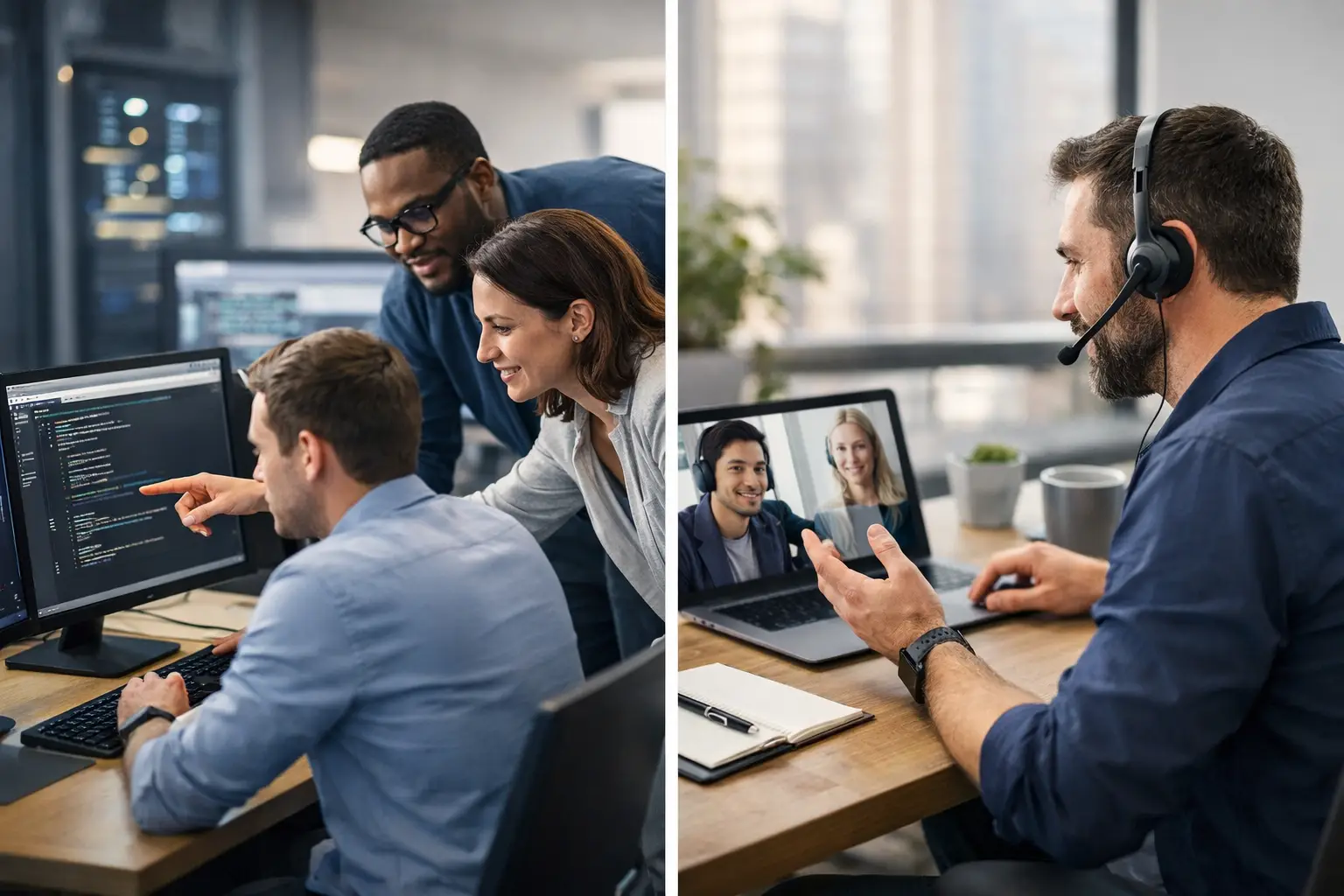
In House Versus Outsourced IT: Which Fits?
A server outage at 9:00 a.m., a suspicious Microsoft 365 login, or a remote employee who cannot access key files can quickly become a business problem, not just an IT problem. The decision between in house versus outsourced IT determines who takes ownership when technology interrupts productivity, exposes sensitive data, or holds up customer service.
For small and mid-sized businesses, the right answer is rarely about choosing the cheapest option. It is about building dependable coverage for the systems your company relies on every day. That includes support, cybersecurity, backups, vendor coordination, planning, and fast action when something goes wrong.
In House Versus Outsourced IT: The Core Difference
An in-house IT model means your company employs its own technology staff. That may be one IT manager, a small department, or a larger internal team with specialized roles. They understand your organization, work directly with employees, and can be physically present when needed.
Outsourced IT typically means working with a managed IT services provider. Instead of hiring every skill internally, you receive a team that monitors, supports, secures, and manages your environment under a recurring service agreement. The provider may handle day-to-day helpdesk requests, network administration, endpoint protection, cloud services, backups, strategic planning, and emergency response.
The practical distinction is coverage. One internal IT employee can be highly capable, but they cannot monitor alerts overnight, answer every ticket, investigate security events, manage projects, and take vacation without creating a gap. An outsourced partner is designed to provide broader capacity and defined processes across those responsibilities.
When an In-House IT Team Makes Sense
Internal IT can be the right investment for organizations with complex, highly customized technology environments. A manufacturer with specialized production systems, a large company with an internal software development department, or a business that requires constant onsite technical work may benefit from having dedicated personnel on location.
An internal employee also develops close familiarity with company workflows, personalities, and priorities. They may know that a particular accounting application has a critical deadline at month-end or that one department depends on a legacy system that requires careful handling. That context has real value.
However, business leaders should evaluate the full cost of this approach. Salary is only one part of the equation. There are also benefits, recruiting costs, training, certifications, tools, after-hours coverage, turnover risk, and the cost of maintaining expertise across multiple areas. Cybersecurity, cloud administration, networking, compliance, backup recovery, and user support are distinct disciplines. It is difficult to expect one person to stay current and perform at a high level in all of them.
In-house IT is most effective when it is properly staffed for the workload. Assigning one employee to support dozens or hundreds of users while also managing security and strategic initiatives often creates a reactive environment. Tickets pile up, maintenance gets postponed, and warning signs are missed until they become outages.
Where Outsourced IT Delivers Stronger Coverage
Outsourced IT is often a better fit for businesses that need enterprise-level capabilities without building an enterprise-sized department. A managed provider gives your company access to a range of technical skills and a structured support model for a predictable monthly cost.
The immediate benefit is responsiveness. Employees have a clear support channel when they cannot print, connect remotely, access email, or use a business-critical application. Behind that helpdesk function, a capable provider should be monitoring devices, servers, networks, backups, and security alerts to identify issues before users report them.
That proactive work matters. A full disk, failing network device, missed backup, unsupported operating system, or unusual login attempt may not look urgent at first. Left unresolved, each can lead to downtime, lost data, or a security incident. Preventing disruption is usually less expensive and less stressful than recovering from it.
Outsourcing also improves depth. Instead of relying on one person to handle every technical need, your business can access specialists for Microsoft 365 administration, firewall management, ransomware protection, cloud migrations, VoIP, compliance requirements, and disaster recovery planning. This is especially valuable for healthcare, legal, financial, insurance, and other organizations that manage sensitive information.
For businesses in Deerfield Beach, Fort Lauderdale, Coral Springs, and nearby South Florida communities, a provider that combines remote support with onsite capabilities can offer a practical middle ground. Many issues can be resolved quickly without a truck roll, while hardware deployments, network work, and urgent onsite needs still have a defined path to resolution.
The Cost Question Is Bigger Than Monthly Fees
Comparing in house versus outsourced IT only by monthly price can produce the wrong decision. The more useful question is: what does your business pay when technology is unavailable or unprotected?
Consider a few common scenarios. If email goes down for several hours, can your sales and service teams work? If ransomware encrypts a shared drive, do you have verified backups and a recovery plan? If a key IT employee resigns, who knows the passwords, vendor accounts, network configuration, and renewal dates? If your systems slow down every afternoon, how long will employees lose productivity before anyone investigates the cause?
Internal IT can appear less expensive when a business focuses only on outsourced service fees. Yet a single employee may still require external cybersecurity tools, backup platforms, consultants, and emergency support. Conversely, a managed services agreement should not be treated as a commodity expense. Review what is included: monitoring, patching, helpdesk, security controls, backup oversight, strategic reviews, documentation, and response expectations all affect the actual value.
Predictability is another advantage of outsourcing. Businesses can budget for ongoing support rather than absorb surprise consulting bills after an outage. That does not eliminate every technology expense, but it makes maintenance and risk management easier to plan.
Security and Compliance Need More Than Good Intentions
Cybersecurity is one of the strongest reasons to reassess your IT model. Attackers target small and mid-sized businesses because they often have valuable data but limited internal defenses. A single phishing email can compromise credentials, initiate fraudulent payments, or open the door to ransomware.
An internal IT employee may understand these risks, but security requires consistent execution. Multi-factor authentication, endpoint protection, patch management, email filtering, access controls, backup testing, user training, and incident response procedures need to work together. They also need regular review as threats and business requirements change.
An outsourced provider should bring repeatable processes to this work. That includes documenting your environment, reviewing privileged accounts, monitoring for abnormal activity, applying updates on schedule, and escalating risks in business terms. For regulated organizations, the provider should also help translate technical controls into evidence that supports compliance obligations.
No provider can promise that an incident will never occur. What they can do is reduce exposure, detect issues faster, limit damage, and support recovery with a tested plan. Those capabilities are far more meaningful than a generic promise of security.
A Hybrid Model May Be the Best Answer
The choice does not have to be all or nothing. Many growing businesses use a hybrid model: an internal technology leader or power user works closely with an outsourced IT partner. The internal person understands operational needs and helps prioritize projects, while the managed provider supplies monitoring, helpdesk coverage, cybersecurity tools, specialized expertise, and after-hours capacity.
This arrangement can work well when leadership wants a familiar onsite contact without asking that person to carry every technical responsibility. It also reduces dependence on one individual and gives the business access to documented processes and a broader support bench.
The model needs clear boundaries. Define who owns user support, vendor communication, approvals, network changes, security decisions, and project management. Ambiguity creates delays, especially during an outage. A good provider will help establish responsibilities instead of leaving your staff to sort them out under pressure.
How to Choose the Right IT Support Model
Start by looking at the demands on your business, not the label attached to the service. Assess the number of users and devices, remote work requirements, sensitivity of your data, compliance responsibilities, current pain points, and the cost of downtime. Then examine whether your existing team has enough capacity and coverage to address those needs consistently.
Ask direct questions before making a decision. Who responds when an employee needs help? Who watches systems after business hours? Who verifies that backups can actually be restored? Who owns cybersecurity monitoring? Who maintains documentation? Who presents a technology roadmap tied to your growth plans?
If the answers rely on one overextended employee, occasional break-fix support, or hope that nothing fails at the wrong time, your model needs attention. Krove helps businesses replace that uncertainty with managed support, proactive monitoring, layered security, and a clear plan for keeping operations moving.
Your technology should not demand emergency decisions every time a device fails or a threat appears. Choose the support structure that gives your team a clear response path, protects critical data, and leaves leadership free to focus on the business waiting on the other side of the screen.