

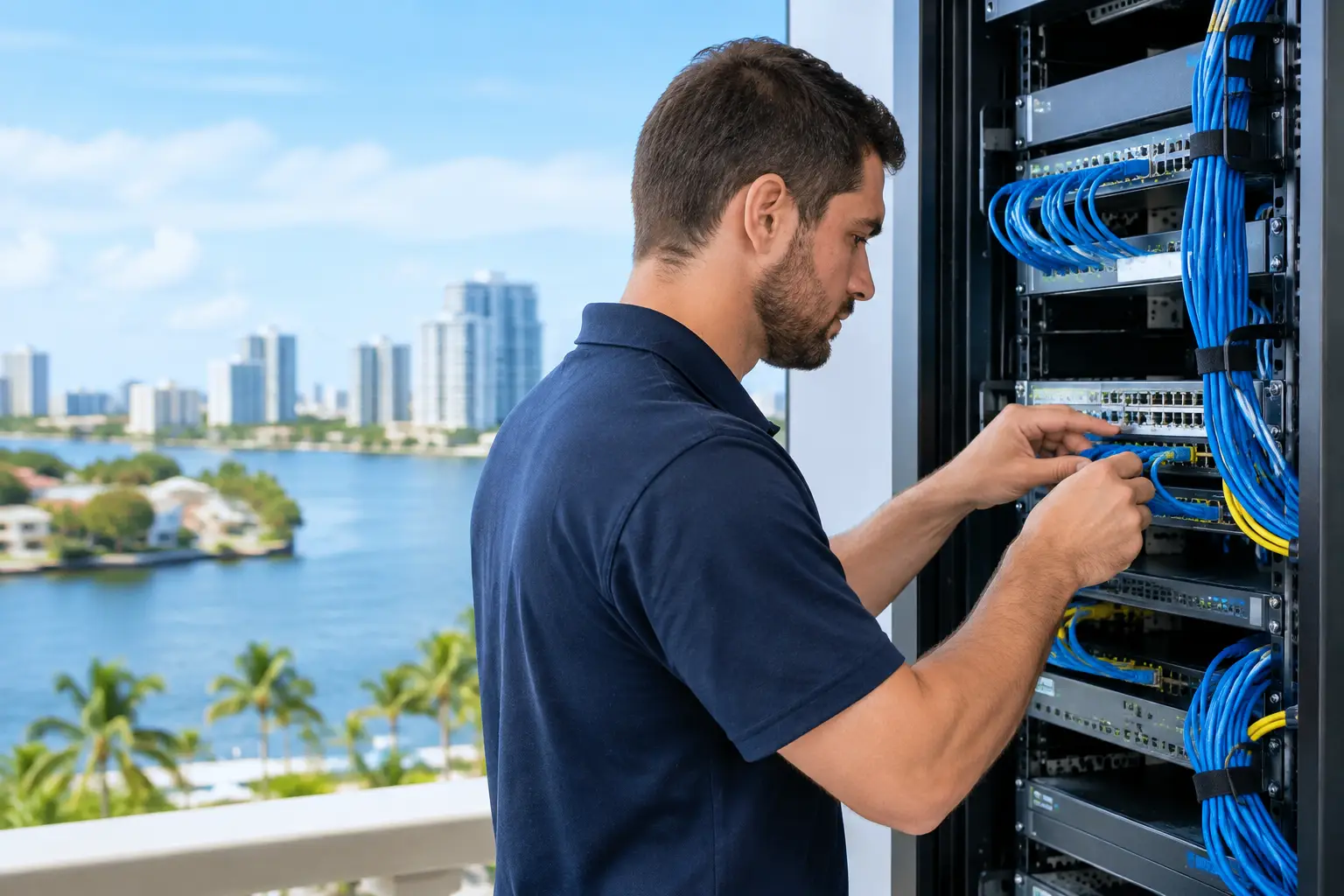
Coral Springs Network Installation That Scales
A network failure at 10:30 a.m. is not just a technical issue. It can stop payments, disconnect cloud applications, interrupt VoIP calls, delay client work, and leave employees waiting for answers. A well-planned Coral Springs network installation gives a business the capacity, security, and visibility to avoid that kind of disruption before it affects revenue.
For growing organizations, network installation is more than mounting access points and connecting switches. It is the foundation for daily operations: how staff access Microsoft 365, how devices communicate, how customer data is protected, and how quickly the business can recover when something goes wrong. The right design supports the way your company works now while leaving room for the next office, new team, added cloud application, or compliance requirement.
What a Business Network Installation Should Accomplish
A business network should make technology less noticeable to the people who depend on it. Employees should be able to work without recurring slowdowns, dropped calls, unreliable Wi-Fi, or access problems. Leaders should have confidence that the environment is monitored, protected, documented, and ready to support growth.
That starts with a design based on business needs, not a generic equipment list. A medical office has different privacy and uptime concerns than a construction firm with field teams, a legal practice managing sensitive client files, or a retail operation processing transactions. The number of users matters, but so do application demands, physical layout, guest access, remote connectivity, devices, compliance obligations, and tolerance for downtime.
A properly installed network creates clear separation between traffic types. Corporate workstations, servers, VoIP phones, security cameras, guest Wi-Fi, and operational equipment should not all operate on one unrestricted network. Segmentation limits the reach of a compromised device, improves performance management, and gives administrators more control over who can reach sensitive systems.
Start With a Network Assessment, Not Hardware
The most expensive network mistakes happen before installation begins. Buying equipment without assessing the building, existing cabling, internet service, and workload requirements often leads to weak coverage, unnecessary costs, and difficult upgrades later.
A professional assessment documents the current environment and identifies the points where operations are exposed. That includes internet circuit reliability, firewall configuration, switch capacity, wireless coverage, cable condition, rack space, power protection, and the age of critical equipment. It also reviews how employees work. A company with hybrid staff may need secure remote access and cloud-first policies, while a facility with warehouse scanners or mobile teams may need dependable coverage in areas traditional office Wi-Fi designs overlook.
The assessment should also account for future demand. If a company expects to add staff, open another location, move more workloads to the cloud, or deploy new security systems, the network should be designed to accommodate that plan. Planning for growth does not always mean buying the largest equipment available. It means choosing an architecture that can expand without forcing a disruptive redesign.
Measure the Physical Environment
Wireless performance is heavily influenced by walls, building materials, room layout, machinery, and the location of users. An access point that looks adequate on a floor plan may perform poorly in conference rooms, storage areas, or spaces with dense device use. A site survey helps determine access point placement, cabling routes, signal overlap, and capacity needs.
Cabling deserves the same attention. Older cables, poorly labeled connections, overloaded closets, and undocumented patch panels turn routine support into a lengthy troubleshooting exercise. Organized, labeled structured cabling reduces future service time and makes moves, additions, and changes far less disruptive.
Build Security Into the Coral Springs Network Installation
Security cannot be added as an afterthought. The firewall, wireless configuration, network segmentation, administrative access, and monitoring policies should all be part of the original design. Otherwise, the business may inherit a network that works until a phishing incident, unpatched device, exposed remote connection, or unauthorized user turns it into a business interruption.
A secure installation typically includes a properly configured business firewall, separate networks for employees and guests, encrypted Wi-Fi, managed access controls, and secure remote connectivity where needed. Administrative accounts should be protected with multi-factor authentication, and network equipment should receive regular firmware updates under a controlled process.
Visibility is equally important. Without centralized monitoring, a failing switch, internet outage, unauthorized device, or unusual traffic pattern may remain unnoticed until employees report a problem. Proactive monitoring allows technical teams to identify warning signs early, respond faster, and keep small issues from becoming all-day disruptions.
For organizations handling regulated or sensitive information, security design may also need to support documented controls, audit requirements, retention rules, and recovery procedures. The exact requirements depend on the industry, but the operational goal is consistent: protect the data and keep the business running.
Choose Equipment for Reliability and Manageability
Low-cost networking equipment can look attractive during an office move or expansion. The trade-off often appears later, when devices cannot be centrally managed, security updates are inconsistent, performance is difficult to diagnose, or the equipment lacks support for the company’s next stage of growth.
Business-grade firewalls, managed switches, and managed wireless access points provide greater control. They allow administrators to apply policies consistently, monitor performance, separate traffic, and troubleshoot issues without physically visiting every location. The appropriate equipment level depends on the organization’s size, applications, user count, and budget, but manageability should be treated as a core requirement rather than an optional feature.
Redundancy is another decision that should match the cost of downtime. Some businesses can tolerate a short internet interruption; others cannot process payments, communicate with customers, or access cloud systems without a connection. For those organizations, options such as a secondary internet circuit, cellular failover, battery backup, or redundant hardware can protect continuity. Not every company needs every layer, but every company should make that decision intentionally.
Install With Minimal Business Disruption
A network upgrade should not create the very downtime it is intended to prevent. Good project planning includes a clear implementation schedule, equipment staging, configuration before deployment, documented cutover steps, validation testing, and a rollback plan if an unexpected issue occurs.
Whenever possible, new equipment should be configured and tested before it reaches the production environment. That includes firewall rules, wireless network names, user access, VLAN assignments, VoIP quality settings, and monitoring alerts. Pre-configuration shortens the onsite window and reduces the chance of last-minute decisions under pressure.
After installation, testing should reflect real business use. Can employees access required applications? Do VoIP calls maintain quality? Is guest Wi-Fi isolated from internal resources? Do remote users connect securely? Does failover work as expected? Technical completion is not enough if the network has not been validated against the workflows that keep the business moving.
Documentation and Ongoing Management Matter
Network installation is not a one-time event. Equipment ages, security threats change, users are added, cloud services expand, and offices evolve. Without documentation and ongoing oversight, even a well-designed network can become difficult to support within a few years.
A managed environment should include current network diagrams, equipment inventory, configuration records, credentials stored securely, warranty information, and a defined support process. This documentation prevents unnecessary delays when changes are required or an incident occurs.
Ongoing management should cover monitoring, patching, performance review, backup connectivity checks, security policy updates, and capacity planning. It also gives business leaders useful visibility: where the risks are, which equipment is nearing end of life, and what investments should be planned rather than rushed during an outage.
Krove helps businesses in Coral Springs design, deploy, monitor, and support networks with continuity and security in mind. The goal is not simply to get devices online. It is to create an environment that supports daily work, protects critical systems, and gives leadership a clearer path for growth.
When evaluating your next network project, ask whether the installation will still serve the business two or three years from now. A network built around prevention, clear documentation, and ongoing management gives your team fewer emergencies to solve and more capacity to focus on the work that moves the company forward.