

What Is Remote IT Support for Businesses?
A payroll deadline is not the time to discover that a staff member cannot access Microsoft 365, the office network is unstable, or a suspicious email has reached multiple inboxes. For a growing company, what is remote IT support comes down to one practical answer: fast, secure access to technical expertise that keeps work moving without waiting for a technician to drive to your location.
Remote support is more than a helpdesk that fixes issues after employees report them. When it is delivered as part of a managed IT service, it combines day-to-day assistance with monitoring, maintenance, security controls, and planning. The goal is not simply to close tickets. It is to reduce the number of incidents that interrupt your business in the first place.
What Is Remote IT Support?
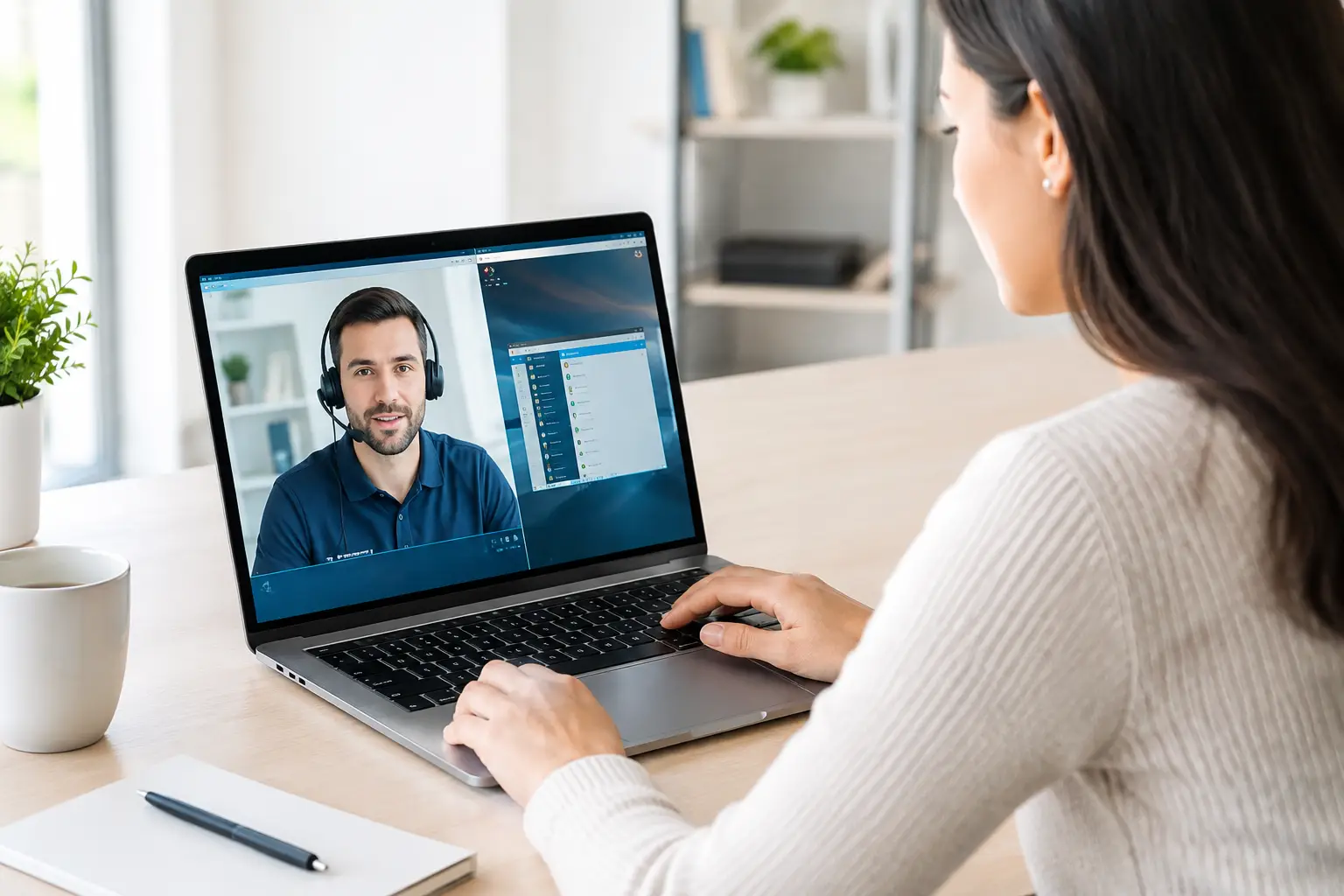
Remote IT support is a business service that allows an IT provider to troubleshoot, manage, monitor, and secure technology systems from an offsite location. With authorized remote access and management tools, technicians can address many issues affecting employee computers, servers, cloud platforms, user accounts, networks, and business applications without being physically present.
For an employee, the experience may be as simple as contacting a helpdesk when they cannot connect to a shared file, receive email, print, or access a business application. A technician can review the issue, securely connect to the affected system when appropriate, and resolve it while communicating with the user.
For business leaders, the larger value is visibility and prevention. A capable provider watches for warning signs such as failing backups, low disk space, missed security patches, unusual login activity, or a device that is falling out of compliance. These issues can be handled before they become downtime, data loss, or a security event.
How Remote IT Support Works
Remote support starts with a clear understanding of the business environment. The provider documents users, devices, software, cloud services, network equipment, vendors, and critical processes. This foundation matters because an urgent request is harder to resolve when no one knows which systems are essential or who has approval authority.
Next, approved management software is deployed across covered devices and systems. These tools allow technicians to monitor device health, manage updates, receive alerts, and provide attended or unattended support under defined access policies. Good remote access is controlled, logged, and protected with measures such as multi-factor authentication and role-based permissions.
When an issue occurs, it is handled through a support process rather than guesswork. The helpdesk records the request, verifies the user and impact, investigates the cause, and documents the resolution. If the issue affects a broader group, such as a failed internet connection or cloud outage, the provider coordinates communication and escalation so employees are not left searching for answers.
Many problems can be resolved remotely within minutes. Others require onsite service, a hardware replacement, or coordination with an internet, software, or telecom provider. Remote IT support does not eliminate the need for onsite expertise. It makes onsite work more targeted by handling what can be addressed immediately and dispatching a technician when physical intervention is genuinely required.
Typical issues handled remotely
Remote IT teams regularly resolve user access problems, password and account management requests, Microsoft 365 administration, email delivery issues, printer configuration, software errors, device performance concerns, patching, and basic network troubleshooting. They can also manage endpoint protection alerts, review backup status, and coordinate response when a security concern is reported.
The exact scope depends on the agreement. A basic remote helpdesk may focus on user support, while a managed service plan may include continuous monitoring, cybersecurity tools, backup oversight, vendor coordination, strategic reviews, and emergency response. Business owners should confirm what is included, what falls outside scope, and how after-hours incidents are handled.
Why Businesses Use Remote IT Support
The immediate benefit is speed. Employees do not need to wait for a scheduled visit to get help with a work-stopping issue. That matters when teams are serving customers, processing transactions, managing projects, or meeting regulatory deadlines.
The more meaningful benefit is consistency. Instead of relying on a different break-fix provider each time something goes wrong, a managed remote IT team develops familiarity with your systems, business priorities, and recurring risks. That knowledge shortens troubleshooting and improves accountability.
Remote support can also create more predictable technology costs. Small and midsize businesses often struggle with surprise repair bills, aging equipment, and unplanned outages. A recurring service model makes it easier to budget for ongoing support while giving leaders a clearer picture of technology needs before they become expensive emergencies.
For hybrid and multi-location teams, remote support is especially valuable. Employees may work from an office, client site, warehouse, or home office, but the business still needs consistent security and access standards. Centralized management helps ensure that devices, accounts, and cloud services are governed by the same policies wherever people work.
Remote Support and Cybersecurity Are Connected
A slow computer or login problem may look like a routine support ticket, but it can also be an early warning sign. Unauthorized access attempts, malware, phishing, weak passwords, missed patches, and inactive accounts all create business risk. Treating security as separate from support leaves gaps that attackers can exploit.
Effective remote IT support connects operational assistance with layered cybersecurity. That can include endpoint protection, patch management, multi-factor authentication, email security, backup monitoring, user access controls, and response procedures for suspicious activity. The right combination depends on your industry, data sensitivity, insurance requirements, and compliance obligations.
For example, an accounting firm handling financial records and a healthcare-related organization managing protected information may need stricter access controls and documentation than a company with lower-risk data. The principle is the same: support should help employees work efficiently without weakening the safeguards that protect the business.
Prevention is the difference
Reactive support starts after something breaks. Proactive remote support looks for conditions that could lead to a failure. It may identify a server backup that has not completed, an endpoint missing critical updates, a storage threshold that could affect performance, or a former employee account that should be disabled.
No provider can promise that an outage or cyberattack will never happen. Hardware fails, vendors experience outages, and threats change. But a disciplined monitoring and maintenance process reduces avoidable problems and improves recovery when an incident does occur.
What to Expect From a Strong Provider
A remote IT provider should make its service easy to understand. You should know how to request help, the hours of coverage, response expectations, escalation paths, and the systems included in your plan. If your business depends on after-hours operations, ask specifically about emergency availability rather than assuming every issue receives the same level of coverage.
Look for clear reporting as well. Leaders should be able to see recurring support issues, device status, security findings, backup results, completed work, and recommendations for improvement. Reports are useful when they lead to decisions, such as replacing unreliable equipment, improving Wi-Fi coverage, or strengthening account security.
Strategic guidance is another sign of a mature service model. Technology decisions should support growth, not merely react to breakdowns. Regular reviews can help your company plan hardware refreshes, cloud changes, security improvements, compliance priorities, and disaster recovery investments in a realistic order.
Krove approaches remote IT support as part of operational continuity: resolve daily issues quickly, monitor the environment closely, and address risks before they disrupt the business. For companies in South Florida, that approach can also be backed by onsite assistance when a problem requires hands-on work.
Is Remote IT Support Right for Your Company?
Remote support is a strong fit for organizations that need dependable help but do not want to build a large internal IT department. It is particularly useful when employees rely on cloud applications, email, shared files, line-of-business software, connected devices, or multiple locations to do their jobs.
It may be less effective when the provider has limited documentation, weak security practices, vague service boundaries, or no process for onsite escalation. The technology is only part of the equation. Results depend on the provider’s response discipline, communication, security standards, and understanding of your business.
The best starting point is to identify where technology is costing your company time or creating risk. Whether the issue is repeat downtime, slow response to employee requests, weak backup confidence, or concern about ransomware, those pain points can define the support model your business actually needs. A well-managed remote IT service should make the next problem smaller, shorter, and easier to control.