

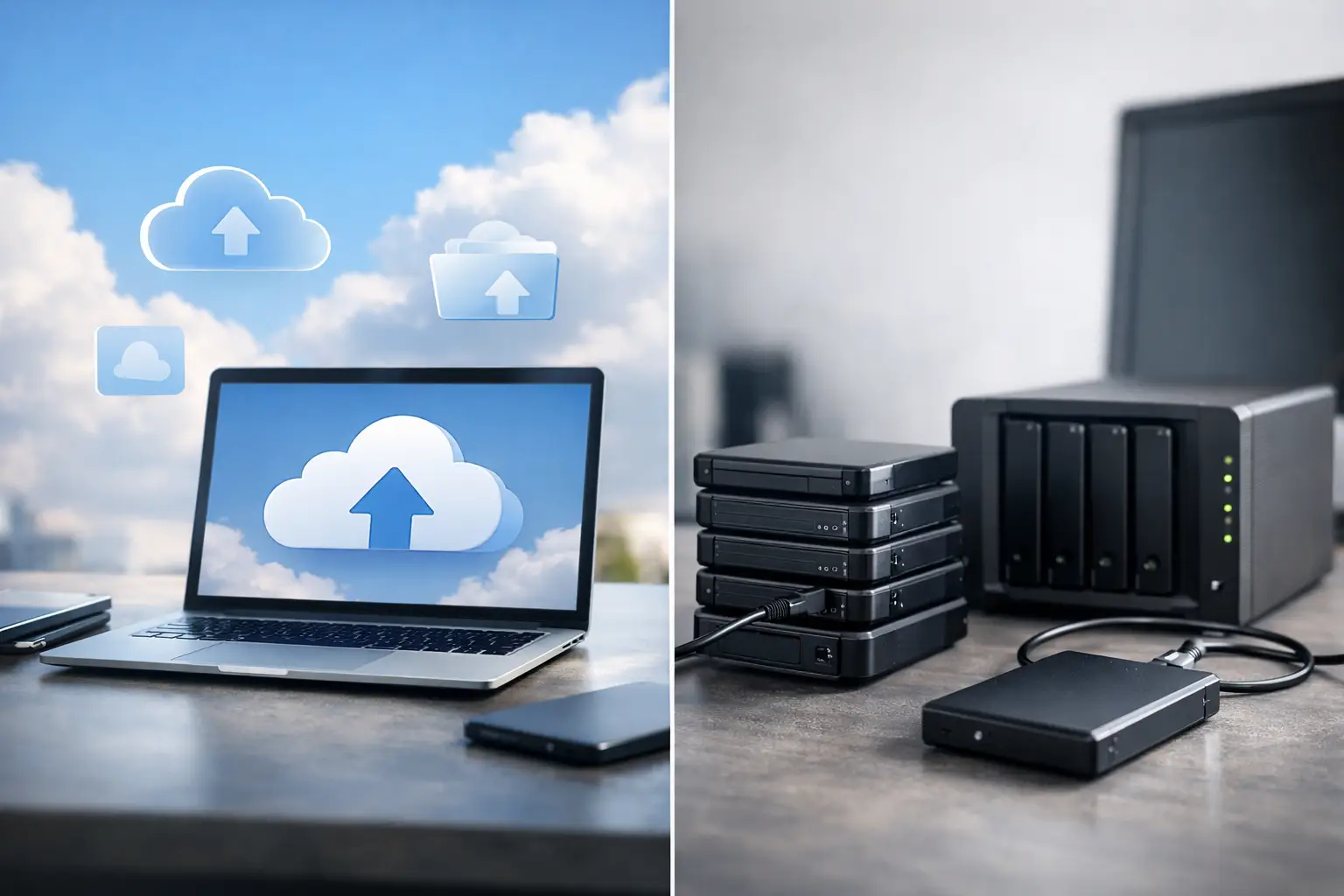
Cloud Backup vs Local Backup: Which Is Better?
A server can fail in minutes. A ransomware attack can encrypt shared files before anyone realizes what happened. A storm, power event, or stolen device can turn a normal workday into an operational emergency. The real question behind cloud backup vs local backup is not which option sounds more modern. It is whether your business can restore the right data, fast enough, when normal operations stop.
For small and midsize businesses, backup decisions affect far more than IT. They affect payroll, client service, regulatory obligations, revenue, and your team’s ability to work. Local and cloud backups both have a place, but neither should be selected based on price alone or treated as a set-it-and-forget-it task.
Cloud Backup vs Local Backup: The Core Difference
A local backup stores a copy of data on hardware you control at or near your business location. That may include a network-attached storage device, backup server, encrypted external drive, or another appliance in the office. Because the data stays close to the production systems, local recovery can be very fast.
Cloud backup sends encrypted copies of files, servers, Microsoft 365 data, or other workloads to an offsite data center through an internet connection. The backup is physically separated from your office and production environment, which provides protection when a local disaster, theft, fire, or hardware failure affects your location.
The difference is simple: local backup prioritizes recovery speed, while cloud backup prioritizes geographic separation and resilience. A reliable business continuity plan usually needs both.
When Local Backup Is the Right Tool
Local backup is valuable when downtime must be measured in hours or minutes rather than days. If a file server fails, restoring several terabytes from a device in the same building is generally faster than downloading that volume from the cloud. This matters for businesses with large design files, databases, video, imaging records, or line-of-business applications that cannot wait for a lengthy internet transfer.
A properly configured local backup can also continue operating during an internet outage. That gives your team a recovery path when connectivity is unavailable but the office and backup hardware remain intact.
However, local backup has an obvious weakness: it can be affected by the same event that damages the original data. A failed electrical system, flood, fire, burglary, or ransomware attack that reaches connected backup storage may compromise both copies. A USB drive sitting next to the server is not a disaster recovery plan. It is simply another device at risk.
Local systems also require attention. Backup storage fills up, drives fail, encryption settings are missed, and successful backup jobs can create a false sense of security if no one tests a restoration. Businesses that rely on local storage need clear retention policies, protected credentials, monitoring, and routine recovery testing.
Where Cloud Backup Delivers More Protection
Cloud backup protects against site-level incidents because the data is stored away from your office. If a Deerfield Beach business loses access to its building after storm damage or a prolonged power problem, an offsite copy can be the difference between restoring operations and rebuilding data from scratch.
Cloud platforms can also support longer retention periods without forcing your business to buy and manage more local hardware. That is useful for financial records, legal files, healthcare documentation, and other information that may need to be retained for years. Many cloud backup services include encryption in transit and at rest, access controls, version history, and alerts that help administrators identify failed jobs.
The trade-off is recovery speed. Uploading backups and restoring large volumes of data depend on your available internet bandwidth. A 500 GB restore may be manageable over a strong connection. Several terabytes can take much longer, especially if multiple users need internet access at the same time.
Cloud backup also does not automatically make a business secure. Misconfigured permissions, weak administrator credentials, missing multi-factor authentication, or poor retention settings can still leave data exposed. The cloud provider protects the infrastructure, but your organization remains responsible for how its accounts, data, and recovery policies are configured.
Security: The Ransomware Question
Ransomware has changed what businesses should expect from backup. A backup that can be deleted or encrypted by the same compromised account is not enough. Recovery depends on having protected copies that attackers cannot easily alter.
For local backup, that may mean using isolated storage, restricted administrative access, immutable repositories, or media that is not continuously connected to the network. For cloud backup, it means enforcing multi-factor authentication, separate backup credentials, immutable retention where available, and monitoring for unusual deletion attempts or sudden changes in backup size.
Versioning matters as well. If ransomware quietly encrypts data over several days, restoring only the latest backup could restore the encrypted files. A strong backup plan retains multiple recovery points so IT can select a clean version from before the attack.
Security teams should also distinguish backup from synchronization. A sync platform updates changes across locations. If a user deletes a folder or ransomware encrypts it, synchronization may carry that damage to every connected copy. Backup preserves recoverable versions over time. Your business may use both, but they solve different problems.
Cost Is More Than Storage Pricing
Local backup can appear less expensive because the major cost is often upfront hardware. Yet the full cost includes replacement drives, power, cooling, licensing, encryption, monitoring, maintenance, and the staff time required to manage it. Hardware eventually reaches end of life, often at the worst possible moment.
Cloud backup usually shifts more of the expense into a monthly operating cost. Pricing can increase with protected users, devices, servers, data volume, retention periods, and recovery requirements. That predictability can be useful for a growing business, but it still requires planning. The least expensive storage tier may have slower retrieval times or charges that become relevant during a major recovery.
The more useful calculation is the cost of downtime. What happens if your accounting system, customer records, dispatch data, or shared files are unavailable for two business days? Include lost productivity, missed sales, overtime, reputational damage, and potential compliance exposure. Against those costs, a managed backup strategy is usually easier to justify.
The Best Answer Is Usually a Hybrid Backup Strategy
For most organizations, cloud backup vs local backup should not be framed as an either-or decision. The practical answer is a hybrid approach: keep a local copy for rapid restores and an offsite cloud copy for disaster recovery.
This approach aligns with the widely used 3-2-1 principle. Maintain at least three copies of critical data, store them on two different types of media, and keep one copy offsite. For organizations with high ransomware exposure or strict compliance needs, an immutable offsite copy adds another layer of protection.
A hybrid strategy lets your team restore a single deleted file quickly from local storage while retaining a protected cloud copy if the office is inaccessible or the local backup is compromised. It also allows you to match protection to the workload. A large file server may need local recovery capability, while Microsoft 365 mailboxes and cloud applications may be best protected with dedicated cloud-to-cloud backup.
Build the Plan Around Recovery Objectives
Before choosing technology, define two business targets: recovery time objective and recovery point objective. Recovery time objective is how quickly a system must be restored. Recovery point objective is how much data loss is acceptable, measured by the time between backups.
A payroll system may require hourly backups and restoration within a few hours. Archived marketing materials may tolerate a daily backup and a longer recovery window. Treating every system the same can waste budget, while underprotecting essential systems creates unnecessary risk.
Your backup plan should identify critical systems, data owners, retention requirements, recovery priorities, and who has authority to start a restoration. It should also cover employee laptops, cloud platforms, shared drives, and remote users. Many businesses protect the server but overlook the endpoints and SaaS data that now support everyday work.
Testing is the part that separates a backup product from a recovery capability. Schedule restoration tests for individual files, full servers, and key applications. Verify that recovered files open correctly, that permissions are preserved, and that staff know what to do during an outage. A green backup report is useful, but a successful test restore is proof.
Choose Management, Not Just Storage
The backup platform matters, but disciplined management matters more. Businesses need alerts when jobs fail, capacity planning before storage fills, security reviews, documented recovery procedures, and someone accountable for testing. Without that oversight, even well-funded backup systems can fail when they are needed most.
Krove helps businesses turn backup from a background task into a managed continuity service, with protection designed around operational risk, security requirements, and recovery expectations. That means looking beyond a single appliance or cloud account and building a plan your team can use under pressure.
The right backup strategy is the one that lets your business keep moving after a bad day. Start by identifying the systems you cannot afford to lose, set realistic recovery targets, and make sure at least one protected copy is safely outside the same failure zone.