

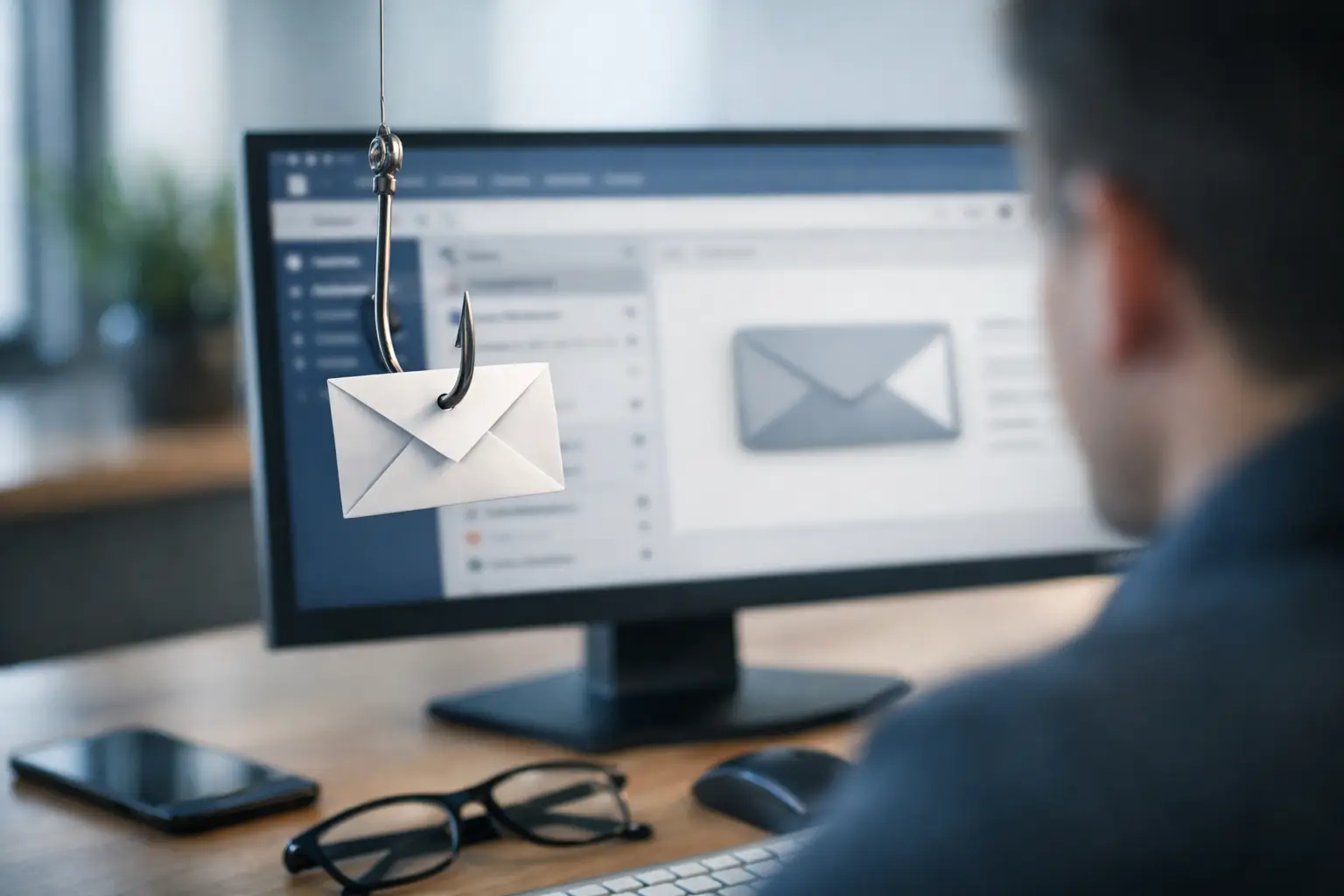
How to Reduce Email Phishing in Your Business
A convincing email can move money, expose payroll records, or install ransomware before anyone realizes a mistake was made. That is why learning how to reduce email phishing cannot be limited to telling employees to “be careful.” Small and midsize businesses need a controlled process that blocks threats, helps people recognize what gets through, and limits the damage when a message is opened.
Phishing remains effective because it targets normal business behavior. An employee receives an invoice that appears to come from a vendor, a Microsoft 365 password alert, or an urgent payment request from an executive. The message arrives during a busy day, looks familiar enough, and asks for quick action. A good defense makes that decision safer without slowing down the entire organization.
How to reduce email phishing with layered protection
There is no single setting, software tool, or training session that eliminates phishing. The strongest approach combines technical controls with clear procedures and active oversight. If one layer misses a malicious message, another should stop the attacker from gaining access or causing a costly disruption.
For most businesses, the foundation starts with email security configured for the environment they actually use. Microsoft 365, for example, includes valuable protections, but default settings may not reflect your users, risk level, industry requirements, or vendor workflows. A managed configuration should filter malicious attachments, suspicious links, impersonation attempts, and spoofed domains before they reach an inbox.
Email authentication also matters. SPF, DKIM, and DMARC help receiving mail systems verify whether messages claiming to come from your domain are legitimate. These controls do not stop every fraudulent email, especially messages sent from compromised legitimate accounts, but they make it much harder for criminals to impersonate your company, executives, and departments.
Multi-factor authentication is the next critical layer. A phishing page may capture an employee’s password, but MFA can prevent that stolen password from becoming an account takeover. The best method depends on the business. Authenticator apps, passkeys, and security keys generally offer better protection than text-message codes, while still needing to fit your employees’ work patterns.
Start with the attacks your business is most likely to face
Generic security advice often misses the operational reality of phishing. A construction company may receive fake subcontractor invoices. A legal office may be targeted with fraudulent document-sharing requests. A medical practice may receive fake patient records or insurance communications. Finance teams are frequent targets for payment diversion and executive impersonation.
Review the messages and workflows that carry financial, legal, or operational consequences. Identify who can approve wire transfers, update vendor banking details, access payroll systems, share sensitive records, or reset passwords. Those roles need extra safeguards because a single successful email can have a larger impact than a routine spam message.
A practical risk review should answer a few direct questions: Which departments receive the most external documents? Which vendors regularly request payment changes? Who has administrator access? Which accounts hold confidential client data? Where are employees most likely to work from personal networks or mobile devices?
This information helps you apply stronger controls where they matter most instead of treating every inbox and every user exactly the same.
Train employees to pause, verify, and report
Phishing awareness training works when it is specific, recurring, and tied to everyday decisions. One annual presentation is rarely enough. Attack methods change constantly, and people forget procedures when they do not use them.
Teach employees to recognize the signals that deserve a pause: unexpected login prompts, urgent language, unusual sender addresses, altered payment instructions, unfamiliar attachments, and links that do not match the stated destination. At the same time, avoid training that suggests every suspicious email is obvious. Modern phishing campaigns can use correct logos, professional wording, and real names pulled from public sources.
The goal is not to make employees afraid to use email. It is to give them a simple response when something feels wrong. They should know how to report a message and how to verify a request through a trusted channel. For a payment change, that might mean calling a known vendor contact using a number already on file, not replying to the email or using the number it provides.
Simulated phishing campaigns can reinforce training, but they should be used constructively. The purpose is to identify gaps and improve behavior, not embarrass employees. If someone clicks a simulated message, provide immediate, practical guidance. Patterns across departments can reveal where more focused coaching is needed.
Protect high-risk requests with business procedures
Email security tools can block many threats. They cannot decide whether a wire transfer should be approved or whether new vendor bank details are legitimate. That requires a process built around independent verification.
For transactions, account changes, and sensitive information requests, establish rules that do not rely on email alone. A request to change direct deposit information, banking details, or payment instructions should trigger a callback to a verified contact. Large or unusual payments should require dual approval. An urgent request from an executive should be confirmed by phone, secure chat, or an established internal process.
These steps can feel inconvenient until compared with the cost of a fraudulent transfer. The right balance depends on the transaction size, industry, and risk tolerance. A small business may not need a complex approval chain for every purchase, but it should have strict controls for exceptions, new banking details, and high-value payments.
Reduce the impact when a user clicks
Even well-trained employees will eventually encounter a convincing message. The response plan determines whether that click becomes a minor support ticket or a major security incident.
Limit user permissions so employees have access only to the systems and data needed for their roles. Use separate accounts for administrative tasks rather than giving every user local administrator privileges. Keep operating systems, browsers, email clients, and security tools patched, since phishing emails frequently lead to malware that exploits unpatched software.
Backups are another essential safeguard. A reliable backup strategy protects data when a phishing attack leads to ransomware or account compromise. Backups should be monitored, secured from unauthorized changes, and tested through actual restoration exercises. A backup that cannot be restored quickly during an outage does not provide business continuity.
You also need a documented response procedure. Employees should know who to contact immediately, and the IT team should be able to isolate a compromised device, reset credentials, revoke active sessions, review forwarding rules, and investigate whether other inboxes received the same message. Speed matters because attackers often create hidden inbox rules or use a stolen account to target coworkers and vendors.
Monitor email accounts for signs of compromise
Phishing prevention is ongoing management, not a one-time project. Review security alerts, failed sign-in attempts, unusual geographic logins, mailbox forwarding rules, new administrator accounts, and unexpected changes to MFA settings. These events may indicate an attempted or successful compromise before a customer, vendor, or employee reports a problem.
For organizations without an internal security team, this is often where risk grows quietly. Alerts accumulate, settings drift, departing employees retain access, and new applications are connected without review. Managed monitoring and regular security reviews provide visibility that a busy office manager or business owner should not be expected to maintain alone.
A proactive IT partner can also test your Microsoft 365 configuration, apply identity protections, monitor endpoints, and align email controls with backup, compliance, and incident response planning. For businesses across South Florida, Krove helps turn phishing defense into an operating discipline rather than an emergency reaction.
Make reporting easy and blame-free
The fastest way to contain a phishing attempt is for someone to report it immediately. Employees will hesitate if they expect blame for clicking a link or opening an attachment. Make the message clear: reporting quickly is the right action, even if a mistake was made.
Provide a simple reporting method within the email platform or a clearly defined support channel. Then follow through. Let employees know the report was reviewed, remove similar messages from other inboxes when necessary, and share short lessons from real attempts without naming or shaming individuals.
A business that reduces phishing risk is not one where nobody ever receives a malicious email. It is one where suspicious messages are filtered, high-risk requests are verified, compromised accounts are contained quickly, and employees have the confidence to stop and ask before an ordinary email becomes an operational crisis.