

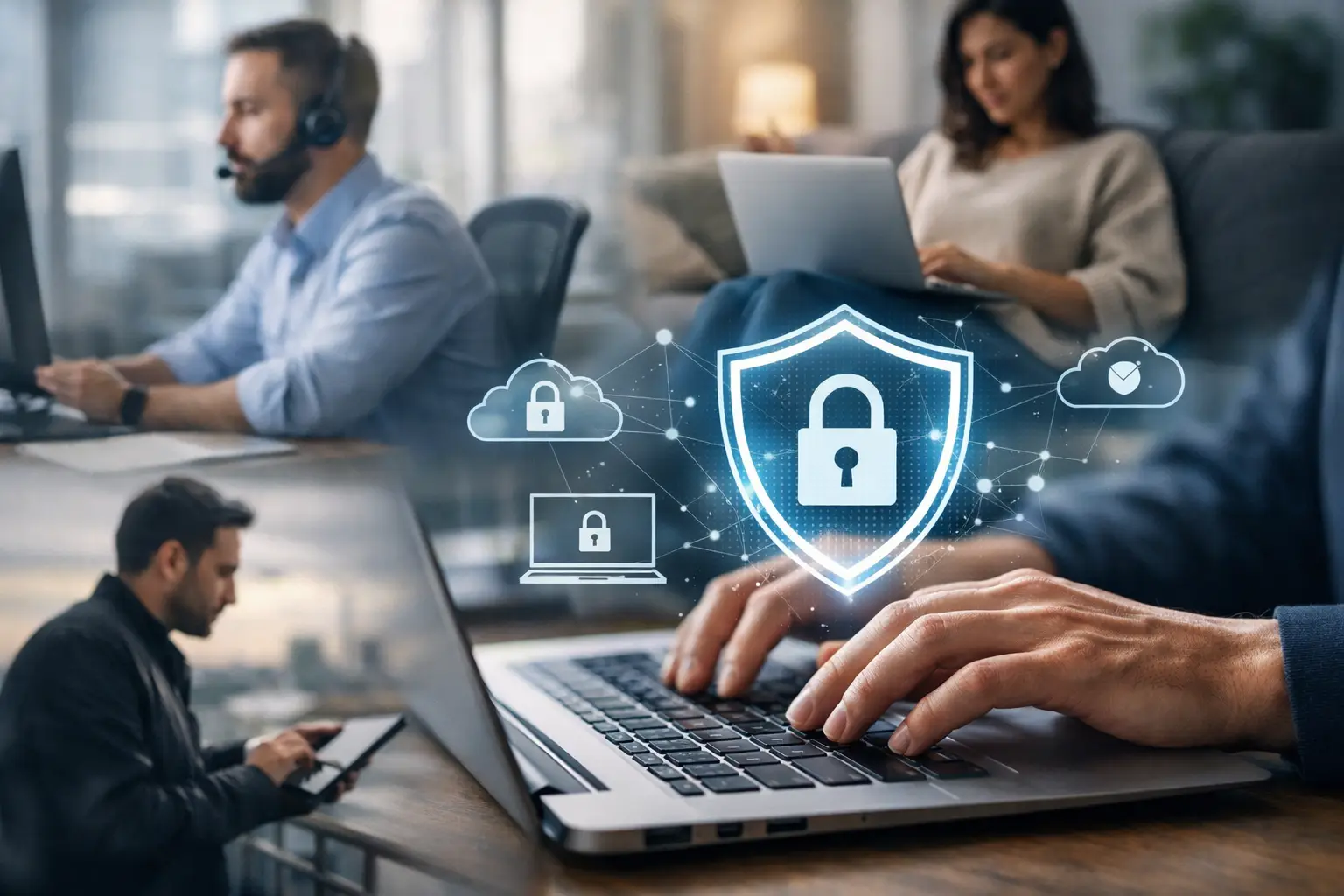
How to Secure a Remote Workforce Without Gaps
A remote employee signs in from a home Wi-Fi network, opens Microsoft 365, downloads a client file, and joins a video call. That routine can be productive, or it can become the first step in a costly breach. The difference is not whether employees work remotely. It is whether the business controls the identities, devices, data, and connections involved.
For small and midsize businesses, learning how to secure remote workforce operations means reducing risk without making every employee wait for IT approval to do their job. The goal is practical: keep people productive, prevent unauthorized access, and ensure the company can respond quickly when a device, account, or connection is compromised.
Start with visibility, not assumptions
Remote work expands the technology environment beyond the office. Employees may use company laptops, personal phones, home printers, public networks, and cloud applications that IT does not fully manage. If leadership cannot see what is connecting to company systems, it cannot protect it effectively.
Begin by documenting the remote-work environment. Identify every user account, company device, critical cloud application, shared mailbox, administrator account, and location where sensitive data is stored. This should include Microsoft 365, file-sharing platforms, accounting systems, CRM tools, and line-of-business applications.
The point is not to create paperwork for its own sake. A current inventory gives your business a baseline for answering urgent questions: Who has access? Is the device encrypted? Is the software current? Can access be removed immediately if an employee leaves?
A managed IT provider can maintain this visibility continuously through remote monitoring and management. That is far more reliable than trying to reconstruct the environment during a ransomware event or after a suspicious login alert.
Secure remote workforce access with identity controls
Passwords alone are not an access strategy. Employees reuse passwords, phishing emails imitate trusted vendors, and stolen credentials can be used from anywhere. Identity protection is the control that keeps a single compromised password from becoming a company-wide incident.
Multi-factor authentication should be required for email, cloud storage, remote access, financial systems, and any application that contains customer, employee, or business data. A second verification step through an authenticator app, security key, or approved method creates a meaningful barrier against unauthorized logins.
Access also needs to follow the principle of least privilege. Employees should have access to the files and applications required for their role, not broad access because it was easier to set up that way. An accounts payable employee does not need administrator rights. A temporary contractor should not retain access after the project ends.
This is where many businesses face a trade-off. Tighter access controls can create friction when teams need to collaborate quickly. The answer is not to remove security. It is to build clear approval workflows, role-based permissions, and a fast process for granting temporary access when there is a legitimate business need.
Regular access reviews are essential. Review high-risk accounts quarterly, remove dormant accounts, and immediately disable access for departing employees. Delays in offboarding are one of the simplest and most avoidable remote-workforce risks.
Manage the device, not just the user
A secure account can still be exposed through an unmanaged laptop. If a device is missing patches, infected with malware, shared with family members, or lost in a car, company data may be at risk even when the employee uses a strong password.
Company-owned devices should be configured with centralized management, endpoint protection, full-disk encryption, automatic operating system updates, and screen-lock requirements. Remote management allows IT to monitor device health, deploy patches, remove risky software, and lock or wipe a lost device when necessary.
Bring-your-own-device policies require more judgment. Some businesses can support personal devices if corporate data remains inside managed applications and containers. Others, especially organizations handling financial, legal, health, or regulated information, may need to require company-managed hardware for certain roles.
Do not let BYOD become an informal arrangement. Put the policy in writing. Define which devices are allowed, what security software is required, whether local downloads are permitted, and what happens to company data when employment ends. Employees should know that protecting business information is part of remote work, not an optional technical preference.
Protect data wherever employees work
Remote security is fundamentally a data protection issue. Employees need access to information, but that information should not be spread across personal desktops, USB drives, unapproved cloud storage, and email attachments.
Centralize files in approved platforms with version control, permission settings, and audit logs. For many businesses, Microsoft 365 can provide a secure collaboration foundation when it is configured correctly. That means controlling sharing settings, restricting anonymous links where appropriate, applying retention policies, and monitoring unusual activity.
Backups matter as much as access controls. Cloud applications have retention features, but they are not always a complete backup and recovery strategy. Critical business data should be backed up separately, tested regularly, and protected from accidental deletion, account compromise, and ransomware encryption.
For organizations with compliance requirements, data classification and retention policies deserve additional attention. Not every file requires the same handling. Customer financial records, employee information, medical data, and legal documents may require stricter access, logging, encryption, and retention controls than routine internal files.
Make home and public connections safer
You cannot fully manage an employee’s home network, but you can set minimum expectations. Employees should use password-protected Wi-Fi, update router firmware when possible, and avoid connecting company devices to unknown public networks.
A virtual private network can add protection when employees access internal systems or sensitive applications. However, a VPN is not a complete remote security solution. It does not stop phishing, secure an infected device, or correct excessive permissions. It is one layer in a broader security program.
For teams that travel frequently, consider secure connectivity policies and mobile-device management. The risk profile of a fully remote accountant working from home differs from a sales team logging in from airports, hotels, and client sites. Security controls should reflect how people actually work.
Train employees for the threats they will see
Most remote attacks do not begin with a dramatic system failure. They begin with a realistic email, a fake sign-in page, an urgent text message, or a request that appears to come from an executive.
Security awareness training should be short, frequent, and relevant. Teach employees how to verify unexpected payment requests, recognize suspicious login prompts, report phishing attempts, and handle sensitive files outside the office. Simulated phishing exercises can reveal where additional coaching is needed without turning training into a blame exercise.
The best policy is one employees can follow under pressure. Give them a simple path for reporting a suspected compromise, lost device, or suspicious message. If they fear being blamed or do not know whom to call, they may wait. In cybersecurity, waiting turns a small issue into a larger one.
Prepare for the moment something goes wrong
No environment is risk-free. A practical remote security plan assumes that an account may be compromised, a laptop may be stolen, or an employee may click a malicious link. What matters is how quickly the business can contain the issue and restore operations.
Create an incident response process that defines who investigates alerts, who can disable accounts, how employees report incidents after hours, and how the business communicates with customers or vendors when necessary. Test the process before an emergency. A written plan that nobody has practiced will not provide much value during a real outage.
Your recovery plan should also address technology dependencies. If Microsoft 365 is unavailable, can the team communicate? If a remote employee’s laptop fails, can they receive a replacement quickly? If ransomware reaches a shared drive, how long will restoration take? These are continuity questions, not just IT questions.
For businesses in Deerfield Beach, Fort Lauderdale, Coral Springs, and surrounding South Florida communities, local onsite support can be valuable when remote troubleshooting is not enough. The right provider should combine fast response with proactive monitoring, backup oversight, endpoint security, and strategic planning.
Turn remote security into an operating standard
Remote work should not force your business to choose between flexibility and control. The strongest approach is consistent: verified identities, managed devices, protected data, trained employees, monitored systems, and a tested response plan.
Krove helps small and midsize businesses put those controls into daily operation through managed IT support, cybersecurity, Microsoft 365 management, backup, and business continuity planning. The next useful step is to assess where remote access exists today, identify the gaps that could interrupt operations, and address them before they become an emergency.
1 Comment
Digital Transformation for Miami Businesses in 2026
[…] How to Secure a Remote Workforce Without Gaps […]