

Managed Firewall Versus Appliance: Which Fits?
A firewall decision often gets pushed aside until a ransomware alert, failed compliance review, or network outage makes it urgent. At that point, the question is no longer whether the business needs protection. It is whether the team can properly operate it. The managed firewall versus appliance decision comes down to more than hardware cost: it determines who monitors threats, applies updates, investigates suspicious activity, and takes action before an incident disrupts operations.
For a growing business, the best option is rarely the one with the lowest price on day one. It is the one that gives leaders confidence that their network is protected during business hours, after hours, and when internal staff are focused on their actual responsibilities.
Managed Firewall Versus Appliance: The Core Difference
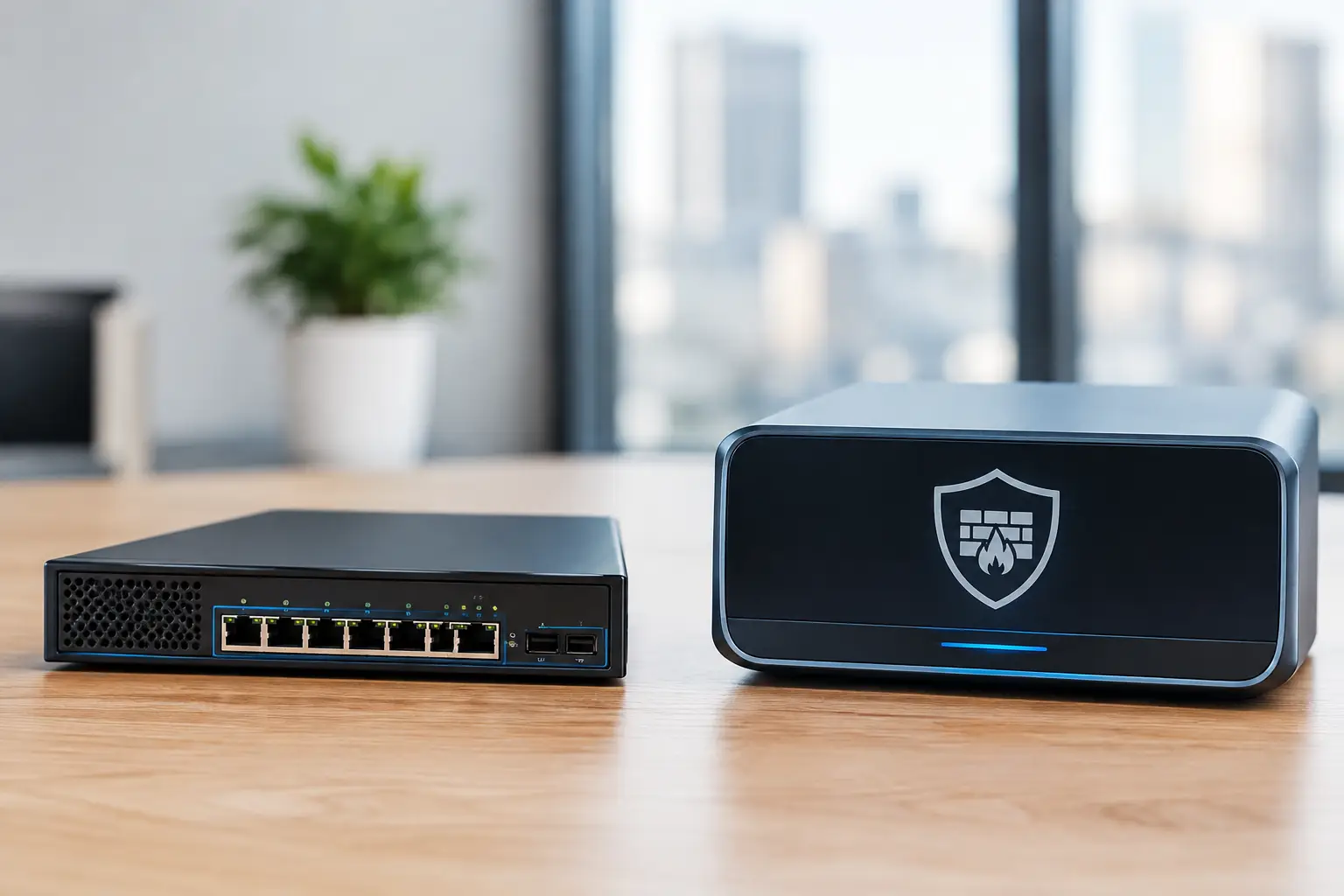
A firewall appliance is the physical or virtual security device installed at the edge of a network. It inspects traffic moving between the internet, office network, cloud services, remote users, and business systems. Modern appliances can provide web filtering, intrusion prevention, virtual private network access, application controls, and network segmentation.
Buying the appliance alone does not mean those protections are being managed effectively. Someone still needs to configure the rules, renew subscriptions, install firmware updates, review alerts, validate backups of the configuration, and respond when a threat appears. A device can be powerful and still leave a business exposed if it is poorly configured or ignored after installation.
A managed firewall includes the appliance plus the ongoing operational service behind it. The provider typically deploys the device, designs security policies, monitors its health and alerts, applies updates, manages changes, and provides support when connectivity or security issues arise. The exact scope varies by provider, so businesses should confirm what is included rather than assuming that “managed” means 24/7 active threat response.
In simple terms, an appliance is a tool. A managed firewall is the tool paired with accountability for operating it.
Why an Unmanaged Appliance Can Create Hidden Risk
An organization may purchase a next-generation firewall with advanced features and believe the security problem is solved. The risk appears later, when rules are added quickly to support a new application, a remote employee needs access, or a vendor requests a network exception. Each change can expand the attack surface if it is not reviewed and documented.
Firewall policies also age poorly. Rules created for former employees, retired servers, temporary projects, or old vendor connections can remain active for years. Overly broad “allow” rules are common because they resolve immediate connectivity issues. They can also make it easier for an attacker to move through the network after gaining initial access.
Patch management is another concern. Firewall vendors regularly release updates to address vulnerabilities, improve stability, and maintain security services. Applying those updates requires planning. An update may need a maintenance window, a configuration backup, validation after reboot, and a rollback plan if an unexpected issue occurs. Without a clear owner, updates are easily delayed.
For a business with a skilled internal IT and security team, managing an appliance may be entirely reasonable. That team must have the time, documented processes, coverage during absences, and authority to enforce policy. Many small and midsize businesses have capable IT staff, but those employees are already handling end-user support, Microsoft 365 administration, onboarding, vendors, and strategic projects. Firewall monitoring becomes one more critical task competing for attention.
When a Managed Firewall Makes Business Sense
A managed firewall is usually the stronger fit when continuity, compliance, and predictable support matter more than owning a device outright. It gives the organization a defined operational model instead of relying on a single employee or outside contractor to remember every security task.
This approach is especially valuable for companies with hybrid staff, multiple locations, cloud applications, sensitive client data, or regulatory obligations. Healthcare practices, legal firms, accounting teams, financial organizations, logistics companies, and retailers all depend on reliable connectivity. A firewall outage can stop payments, cloud access, phones, scheduling, warehouse systems, and remote work at the same time.
The business benefit is not simply that someone watches a dashboard. It is that changes are handled with discipline. A managed service should include a process for reviewing access requests, documenting rules, maintaining subscriptions, monitoring hardware health, and escalating events that need immediate business input. That structure reduces the chance that a temporary workaround becomes a permanent security gap.
A managed model can also improve budgeting. Rather than facing irregular charges for emergency troubleshooting, subscription renewals, replacement hardware, and consulting time, the business can plan around a recurring service cost. Hardware refresh terms still matter, but the financial conversation becomes clearer.
The Trade-Offs to Evaluate Before You Decide
Managed service is not automatically the right answer for every organization. It can cost more over time than purchasing a device and assigning internal staff to manage it. It also requires trust in the provider’s processes, technical capabilities, response commitments, and visibility standards.
Before selecting a managed option, ask who owns the firewall configuration and whether the business can access it if the relationship ends. Confirm how change requests are approved, what happens during an internet outage, and whether critical alerts are monitored after hours. Ask how frequently firmware is reviewed and deployed, whether firewall rules receive periodic cleanup, and how the provider documents the network.
An appliance-only purchase may offer more direct control and can make sense for organizations with internal network and security expertise. However, direct control should not be confused with a lack of operational responsibility. The business still needs named owners, after-hours procedures, monitoring tools, license management, and a tested recovery plan.
There is also a middle ground. Some businesses own their firewall hardware while outsourcing management to a service provider. Others include hardware, licensing, monitoring, and support in one monthly agreement. The better model depends on cash flow, existing equipment, internal expertise, compliance needs, and the desired level of accountability.
What a Business-Ready Firewall Service Should Cover
Do not compare proposals only by firewall brand or device specifications. Compare the operating model. A firewall that supports advanced security features is valuable only if those features are licensed, enabled, tuned, and reviewed.
A business-ready managed firewall service should address the full lifecycle:
- Initial network assessment, design, deployment, and secure configuration
- Ongoing firmware, security subscription, and warranty management
- Monitoring for device health, internet connectivity, and meaningful security events
- Rule management with documentation and approval procedures
- Secure remote access for authorized employees and vendors
- Network segmentation to limit the spread of an incident
- Incident escalation, support coverage, and a clear response path
The provider should also explain what is not included. For example, firewall management does not replace endpoint protection, identity security, email protection, security awareness training, backups, or an incident response plan. Effective security uses layers because attackers rarely rely on a single path into a business.
Questions Leaders Should Ask Before Signing
Start with accountability: “If suspicious traffic is detected at 2 a.m., who sees it and what happens next?” A useful answer should describe monitoring, escalation, and the line between automated blocking and human investigation.
Then ask about recovery. “If the firewall fails, how quickly can our office or site be restored?” The answer should cover hardware replacement options, configuration backups, internet failover where appropriate, and who coordinates with the internet provider.
Ask for clarity on visibility as well. Business leaders do not need to interpret raw firewall logs, but they should be able to understand their security posture. Regular reviews should identify significant risks, major changes, outdated equipment, recurring connectivity problems, and recommendations tied to business priorities.
Finally, ask whether the firewall strategy supports growth. Adding a second location, integrating an acquisition, opening a remote office, or expanding remote access should not require starting over. The right design gives the business a secure foundation that can scale without creating a patchwork of exceptions.
For companies in Deerfield Beach and throughout South Florida, a managed firewall can be part of a broader approach to reducing downtime and controlling technology risk. Krove helps businesses align network protection with ongoing support, monitoring, backups, and practical security planning.
The right decision is the one that leaves no uncertainty about who is protecting the network when your team is serving customers, closing deals, or responding to an urgent operational issue.