

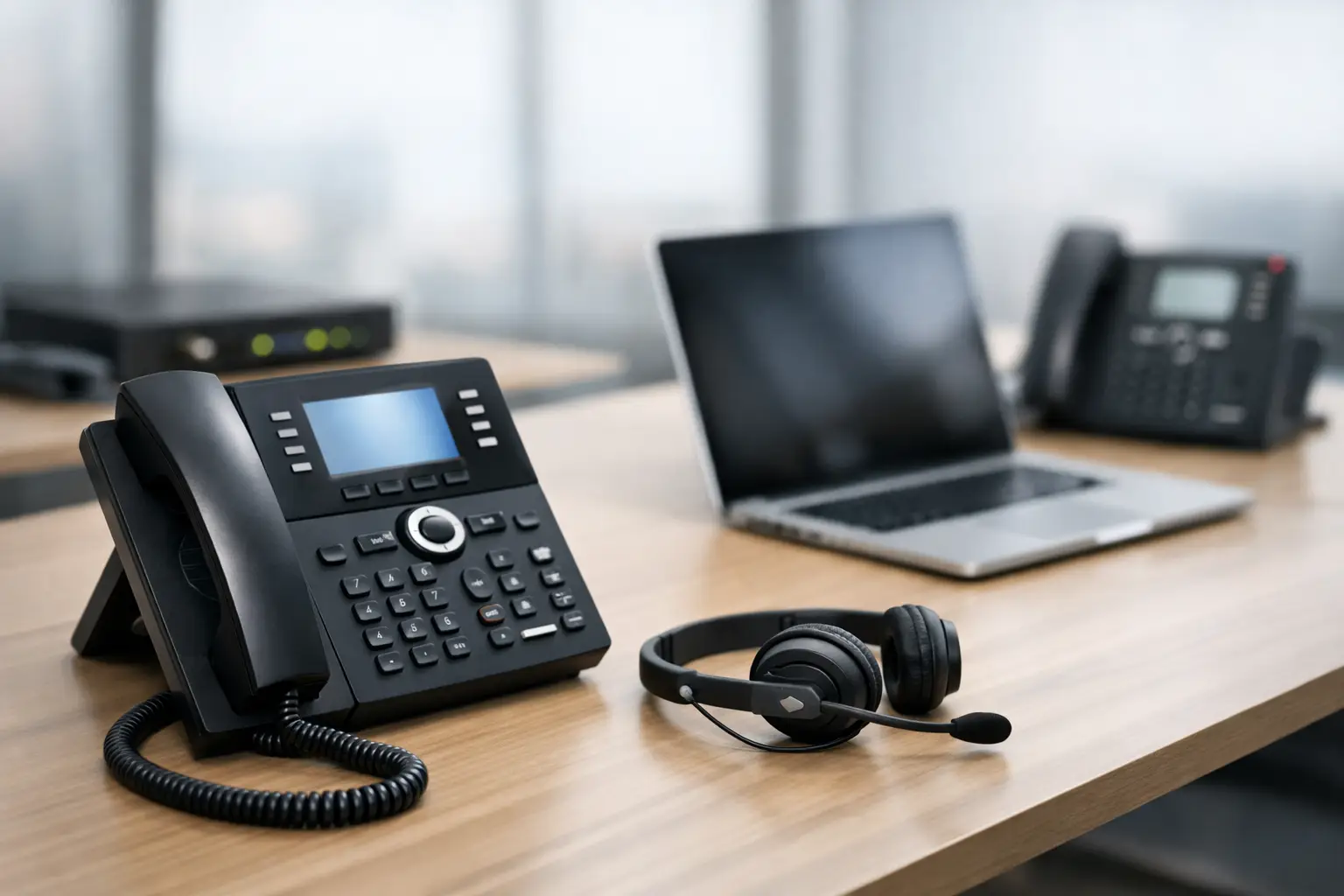
Choosing the Right VoIP Phone System for Office
A missed call is not always a minor inconvenience. For a law firm, it may be a prospective client calling after an accident. For a medical office, it can delay a patient’s care. For a logistics company, it may hold up a delivery decision. A VoIP Phone System for Office environments needs to do more than route calls. It must support the way your team works, remain available when conditions change, and protect a critical business channel from avoidable interruptions.
Many small and midsize businesses choose VoIP because it can lower calling costs and replace aging desk phones. Those are valid reasons, but they are not enough to guide the decision. The better question is whether the phone system will strengthen daily operations or create another system your team has to troubleshoot when calls matter most.
Why Your Office Phone System Affects Business Continuity
Voice over Internet Protocol, or VoIP, sends calls over your internet connection rather than traditional phone lines. That gives businesses useful flexibility. Employees can answer calls from desk phones, computers, or mobile apps. New users and locations can be added without installing a separate phone line for every extension. Features such as auto attendants, call queues, voicemail-to-email, call recording, and business texting can be managed from a central platform.
But VoIP also makes your voice service dependent on the surrounding technology. A poor network design, congested Wi-Fi, unreliable internet service, or weak account security can result in dropped calls, choppy audio, and inaccessible phone numbers. The system is only as dependable as the environment supporting it.
That is why phone service should be treated as part of your IT operations plan. It belongs in conversations about network performance, internet redundancy, cybersecurity, backup power, user support, and disaster recovery. When those areas are managed together, VoIP becomes a practical tool for continuity rather than another point of failure.
How to Choose a VoIP Phone System for Office Use
The right platform depends on your call volume, staffing model, customer expectations, and risk tolerance. A five-person accounting office has different needs from a 50-person construction company with field staff, multiple job sites, and a busy front desk. Start with the workflow, then select technology that supports it.
Map How Calls Actually Move Through Your Business
Before comparing providers or features, look at what happens from the moment a customer calls. Who answers first? What happens when that person is unavailable? Which departments receive the most calls? Are callers transferred between teams? Do after-hours calls need an emergency route, a voicemail box, or an on-call employee?
A clear call flow prevents common problems such as calls ringing endlessly, customers reaching the wrong department, or employees using personal cell numbers to fill service gaps. An auto attendant may be sufficient for one office. Another may need call queues, overflow rules, multilingual greetings, and live reception coverage.
Also consider outbound communication. Sales teams may need local caller ID and CRM visibility. Service teams may need calls directed to mobile devices. Regulated organizations may need documented policies around recordings, retention, and access. Features should solve a defined operational need, not simply expand a monthly bill.
Build for Call Quality and Internet Failure
VoIP traffic competes with video meetings, cloud applications, file uploads, guest Wi-Fi, security cameras, and other activity on your network. If the network is not configured to prioritize voice traffic, callers may hear delay, distortion, or one-way audio during busy periods.
A qualified IT team should assess available bandwidth, router and firewall capacity, switch configuration, Wi-Fi coverage, and quality of service settings. Quality of service prioritizes voice packets so phone conversations remain stable when the network is active. It is especially valuable in offices where Teams meetings, cloud backups, and large file transfers happen throughout the day.
Internet redundancy deserves equal attention. A secondary connection, such as a second wired provider or properly configured cellular failover, can keep calls operating when the primary internet circuit goes down. The right option depends on the cost of downtime and your area’s available providers. For many businesses in South Florida, storm readiness and power disruptions make that planning especially relevant.
You should also decide what happens during a local outage. Can calls automatically forward to authorized mobile devices? Can remote employees answer through a softphone app? Are critical phones supported by battery backup? These are small decisions until the day your office loses connectivity.
Treat Phone Accounts as a Security Concern
Business phone systems are increasingly targeted for fraud. Attackers may attempt to take over administrator accounts, redirect calls, create fraudulent international calling charges, or use social engineering to convince employees to change account settings.
Protecting VoIP begins with strong, unique passwords and multi-factor authentication for administrators and users. Access should be limited by role, so employees can manage their voicemail or profile without gaining permission to alter company-wide call routing. Former employees should be removed promptly, and billing alerts should be enabled to identify unusual calling patterns.
If your team records calls or sends voicemail messages to email, privacy requires added care. Recordings can contain financial information, health details, addresses, or customer conversations. Define who can access them, how long they are retained, and whether the practice aligns with the requirements that apply to your organization. Convenience should not override compliance or confidentiality.
Compare Total Cost, Not Just the Per-User Price
A low monthly rate can look attractive until hardware, setup, number porting, support, taxes, add-on features, and contract terms are included. Ask for a complete cost picture that reflects the service you will actually use.
There are also trade-offs between desk phones and softphones. Desk phones provide a familiar, reliable experience for reception desks, call-heavy teams, and shared workspaces. Softphone applications are often ideal for hybrid employees and staff who travel between sites. Many offices need both, rather than choosing one approach for everyone.
The cheapest option can become expensive if it lacks responsive support during an outage. For a business that receives customer calls all day, the value of fast troubleshooting and accountable ownership often outweighs a small difference in licensing cost.
What a Proper VoIP Deployment Should Include
Changing phone systems is more than plugging in new handsets. A well-managed rollout limits disruption and ensures users know how to handle calls on the first day. At a minimum, the project should address these five areas:
- Number porting: Existing business numbers must transfer correctly, with a clear schedule and a fallback plan if a delay occurs.
- Call-flow configuration: Auto attendants, extensions, queues, voicemail, holiday schedules, and failover routes should be tested before launch.
- Network readiness: The firewall, switches, Wi-Fi, and internet connection should be reviewed for voice performance and security.
- User training: Employees need practical guidance on transferring calls, using voicemail, changing availability, and operating mobile or desktop apps.
- Post-launch support: The first days after deployment often reveal workflow adjustments that are difficult to identify on paper.
Porting deserves particular attention. Do not cancel your existing phone service before the number transfer is complete and confirmed. A rushed cutover can leave customers hearing disconnected messages or reaching an old voicemail box. The transition should be planned around your business hours, with clear ownership for every step.
When Cloud VoIP Needs Extra Planning
Cloud-based phone systems work well for many organizations, but some situations require more design and testing. Multi-location businesses need consistent call routing while allowing each site to retain local workflows. Hybrid teams need clear rules for mobile app use, personal devices, and availability status. Businesses with shared reception teams need queue reporting and visibility into abandoned calls.
If your organization operates in health care, finance, legal services, insurance, or government-related work, review privacy, retention, and recording requirements before enabling features. Not every call should be recorded, and consent requirements can vary by state and circumstance. Your phone configuration should reflect your policies, not create compliance exposure.
Businesses with alarm panels, fax lines, door systems, elevator phones, or specialty equipment should also validate compatibility early. Some analog devices require adapters, separate connectivity, or a different service design. Assuming every legacy device will work exactly as it did on traditional phone lines is a costly mistake.
Put Your Phone System Under Operational Ownership
A phone system should have a documented owner, even if that owner is an external IT partner. Someone needs to monitor service health, manage users, review security settings, update call flows as teams change, and coordinate support when a problem occurs. Without that discipline, businesses slowly accumulate unused accounts, outdated greetings, confusing extensions, and security gaps.
Krove helps businesses align VoIP with the network, cybersecurity controls, helpdesk support, and continuity planning behind it. That approach gives leaders one accountable team when a call-quality issue, user request, or outage affects the business.
Before you sign a new agreement or replace an old phone system, test one practical scenario: If your office internet fails at 10:00 a.m., how will your next customer call be answered? A clear, tested answer is the standard your phone system should meet.